12
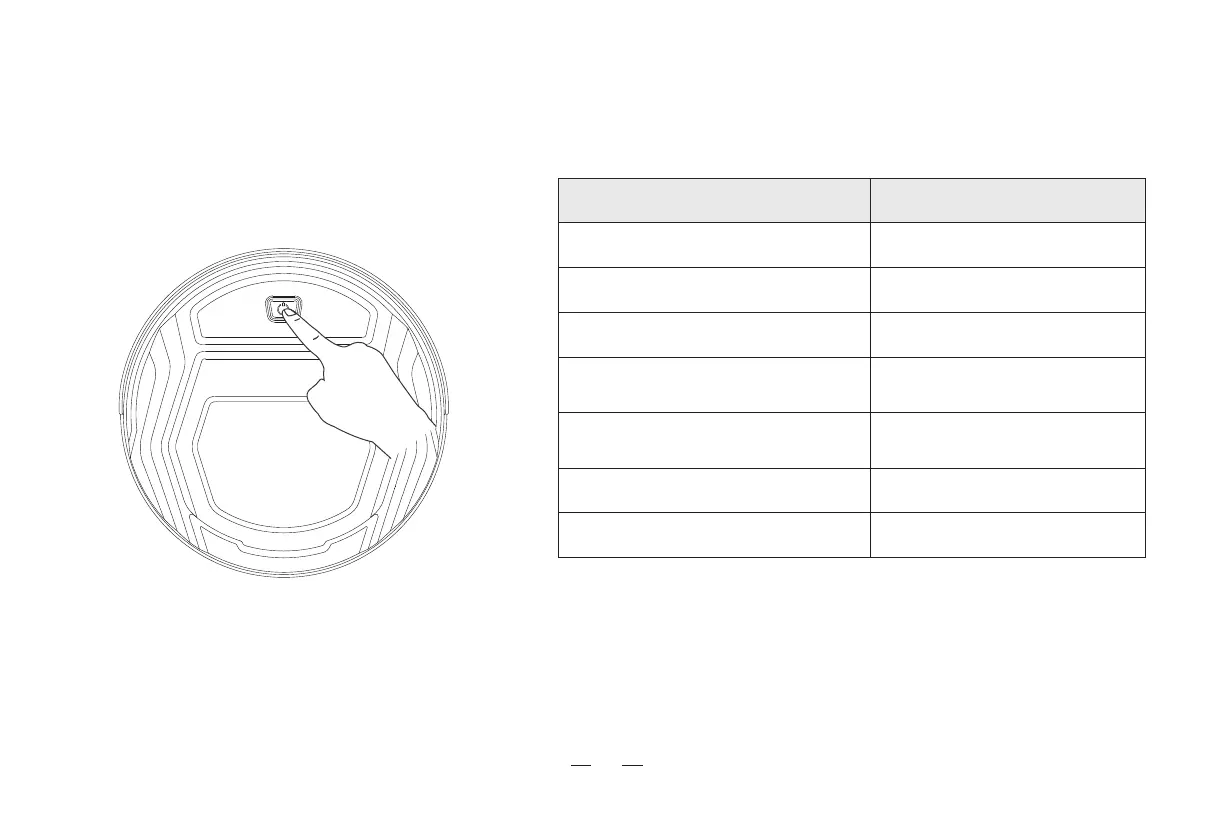
3. Using the product / 3.1 How to use buttons
Single press: Start/pause
Double press: Automatic return and charge
Keep pressing for 6 seconds: Entering Wi-Fi pairing mode
Indicator Meaning
Indicator statusRobot status
Cleaning Blue light on
Pause/standby
Blue light on
Charging
Blue light flash
Low battery-automatic
return and charge
Red light on
Cleaning complete-automatic
return and charge
Purple light is on
Entering Wi-Fi pairing mode Blue light flash
Error
Red light on/flash



 To Next Page