EasyManua.ls Logo

lefant M57 - User Manual

lefant M57
24 pages
Print Icon
To Next Page IconTo Next Page
Loading...
User Manual
M
57
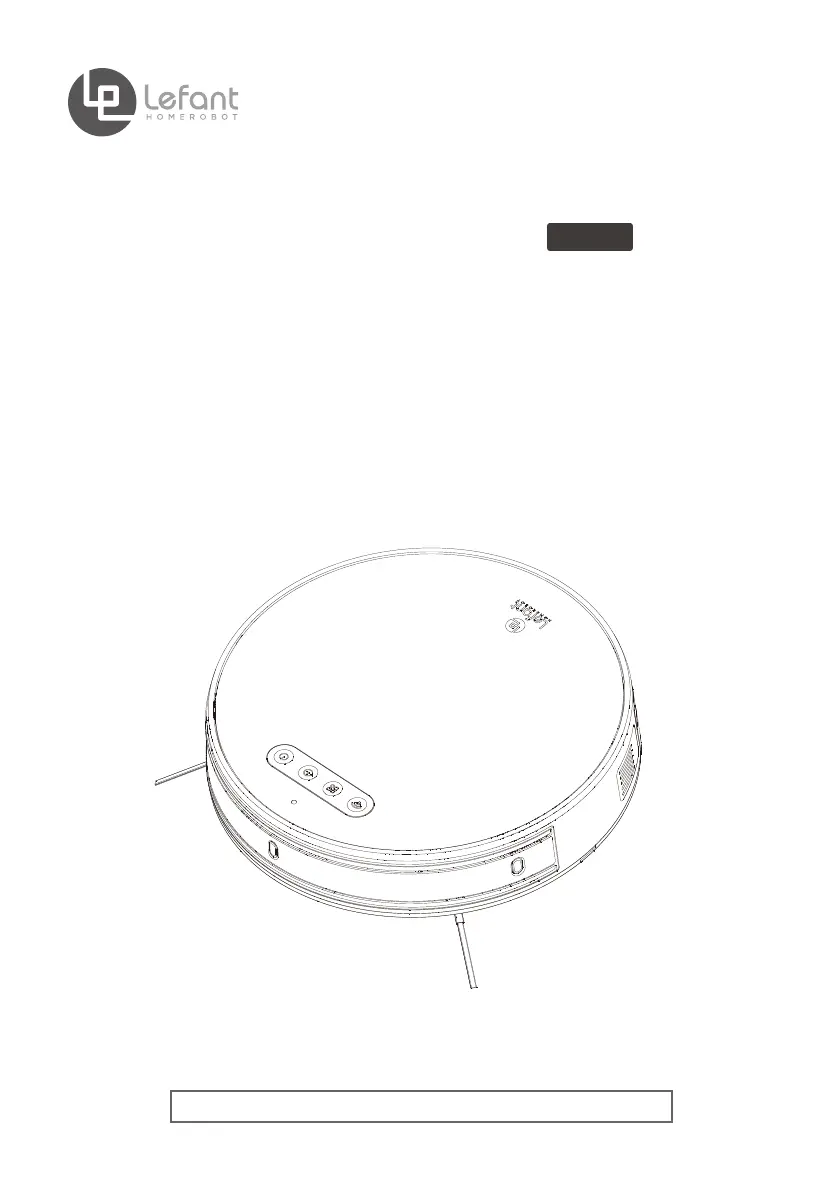
(Applicable for:M570/M571)
Robotic Vacuum Cleaner
Please read the instructions carefully before using this product and keep it properly

Questions and Answers

  • J
    John VaughanAug 14, 2025
    Why my lefant M57 Vacuum Cleaner can't connect to WIFI?
    • A
      Angela ShafferAug 14, 2025
      If your Lefant Vacuum Cleaner cannot connect to WIFI, try these steps: * Make sure the robot is less than 5 feet away from the router and your phone. * Connect to a 2.4G WiFi signal, as the robot may not be compatible with 5G WiFi. * Ensure the robot is in network pairing mode.
  • S
    Stuart RiveraAug 18, 2025
    Why is the time scheduling function cancelled on my lefant M57?
    • D
      David KleinAug 18, 2025
      If the Time Scheduling function is cancelled on your Lefant Vacuum Cleaner, it could be due to the following reasons: 1. The robot is powered OFF. In this case, power on the robot and make the schedule using the remote control over again. 2. The robot’s battery is low. Keep robot powered ON and on the Charging Dock to make sure it has a full battery to work at any time.
  • K
    Kelly McmillanAug 21, 2025
    What to do if Remote Control failure on Lefant Vacuum Cleaner?
    • S
      Sharon OrtizAug 21, 2025
      If the Remote Control for your Lefant Vacuum Cleaner fails, try the following: * Replace the battery with a new one and install it properly. * Make sure the robot is powered ON and fully charged. * Use a dry cloth or the Multi-Function Cleaning Tool to wipe the Infrared Emitter on Remote Control and the Infrared Receiver on robot if they are dirty. * Avoid using the Remote Control near other equipment using infrared signals.
  • D
    Dr. Tyrone FarmerAug 25, 2025
    Why is the Side Brush stuck on my lefant M57 Vacuum Cleaner?
    • K
      Karen SolomonAug 25, 2025
      If the Side Brush of your Lefant Vacuum Cleaner is stuck or its rotation speed decreases, remove any debris tangled around it. If the Side Brush still rotates slowly after cleaning, contact Customer Service.
  • D
    Dalton HarrisAug 27, 2025
    What to do if Roller Brush is stuck on lefant M57 Vacuum Cleaner?
    • R
      Randy SmithAug 28, 2025
      If the Roller Brush of your Lefant Vacuum Cleaner is stuck or its rotation speed decreases, remove any debris tangled around it using the provided Multi-Function Cleaning Tool. If the Roller Brush still rotates slowly after cleaning, contact Customer Service.
  • R
    Roger EstradaAug 30, 2025
    Why lefant M57 has not made a connection with the Charging Dock?
    • C
      cclarkeAug 31, 2025
      If your Lefant Vacuum Cleaner has not made a connection with the Charging Dock, plug in the Charging Dock and ensure the robot is powered ON. Keep the robot on the Charging Dock to ensure it has a full battery at all times.
  • M
    marissa36Sep 3, 2025
    What to do if lefant M57 Vacuum Cleaner is entangled?
    • W
      williamselizabethSep 3, 2025
      If your Lefant Vacuum Cleaner is entangled or obstructed, manually remove the obstacles such as scattered wires, drape curtains, or carpet edges, and then restart the robot.
  • J
    John HinesSep 6, 2025
    What to do if lefant M57 components are tangled with debris?
    • K
      Kaitlin DonaldsonSep 6, 2025
      If the robot’s components of your Lefant Vacuum Cleaner are tangled with debris, power OFF the robot, clean the Dust Bin, and invert the robot. Clean the Side Brushes and the Roller Brush as described in section 4.
  • D
    Donna VasquezSep 10, 2025
    How to download the correct app for lefant M57 Vacuum Cleaner?
    • S
      Stephanie HaleySep 12, 2025
      If you've downloaded the incorrect APP for your Lefant Vacuum Cleaner, scan the QR code in the user manual or search "Lefant life" on google play or app store to download the correct app.

Summary

Important Safety Instructions

Product Composition

Operating and Programming

Notes Before Cleaning

Guidelines for checking the cleaning area before using the robot.

Quick Start

Steps for setting up the charging dock and installing side brushes.

Cleaning Mode Selection

Details on Standard, Powerful, and Random cleaning modes.

Scheduling Setting

Instructions for one-click time scheduling and remote control scheduling.

Mopping Function

Guide on how to add water, attach mop pad, and start mopping.

Maintenance

Dustbin and Filters

Steps for cleaning and maintaining the dustbin and its filters.

Water Tank Assembly

Instructions for cleaning the water tank and its components.

Roller Brush and Side Brush

Procedure for cleaning the roller brush, side brushes, and driving wheels.

Other Components

How to clean anti-collision sensors, anti-drop sensors, and charging contacts.

Indicator Light

Troubleshooting

Technical Parameters

lefant M57 Specifications

General IconGeneral
Brandlefant
ModelM57
CategoryVacuum Cleaner
LanguageEnglish

Related product manuals