-15-
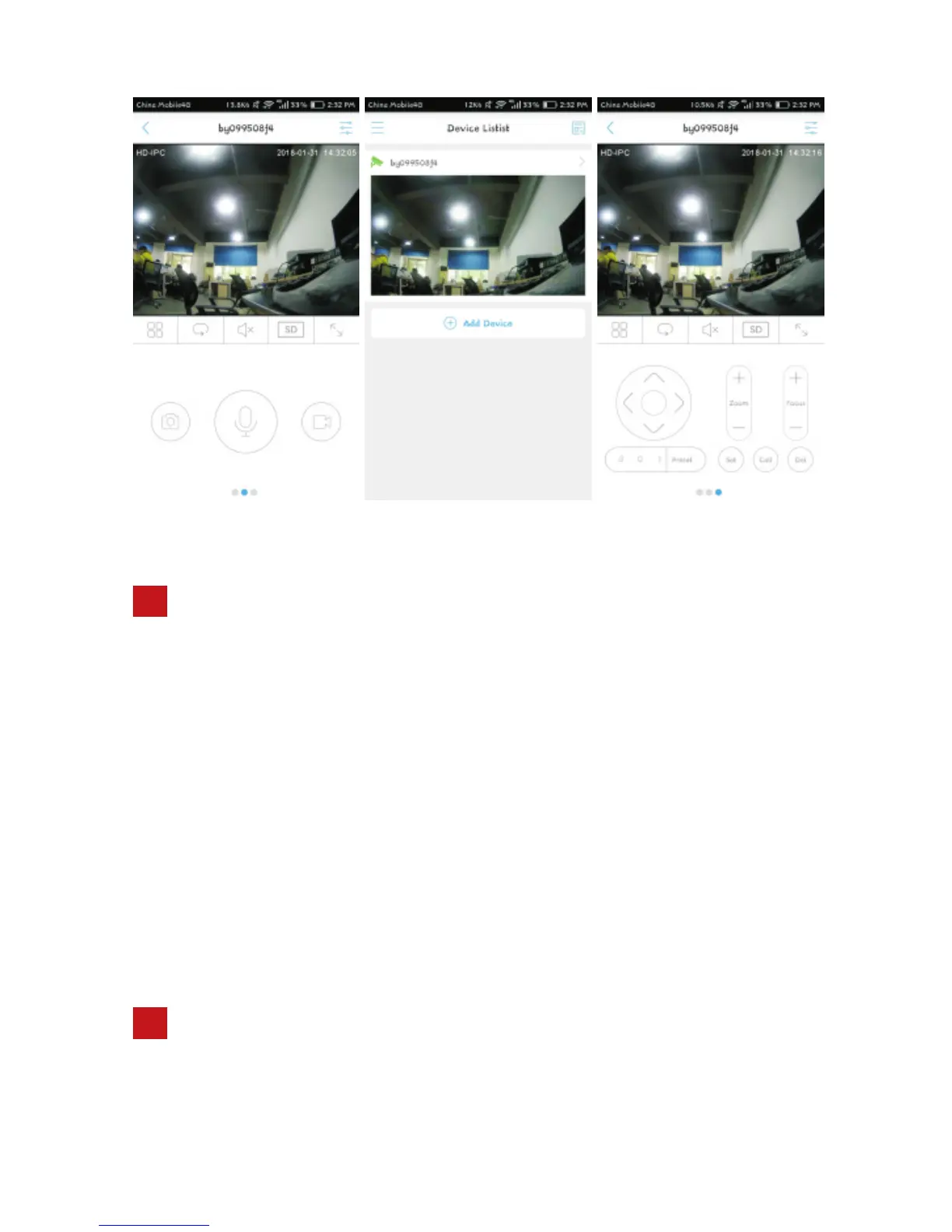
(Picture 4) (Picture 5) (Picture 6)
10
NVR add camera
10.1 Make sure the NVR and the camera are within the same network segment.
10.2 Open the channel management on NVR, and, click [search device] or
[custom add] button in the channel management
10.3 Select the IP address of the camera, click 【Add】 or manually enter the
IP address of the dome camera to add.
10.4 Select the onvif protocol, onvif port is 8999 (onvif port 8999 is fixed values
can not be changed), And then enter the correct account and password of
the camera, click Save.
PTZ Camera Common Function Settings:
11
Turn On IR Lights- call preset 90 and then call preset 2
Turn Off IR Lights-call preset 90 and then call preset 3
11.1 Turn On/Off IR Lights Manually


 To Next Page