Step-6: Cable connecting
Please refer to the Section VI of this chapter- Connecting Method.
Step-7: Tear off protection film
Tear off protection film of transparent cover.
Note: please take care of transparent cover.
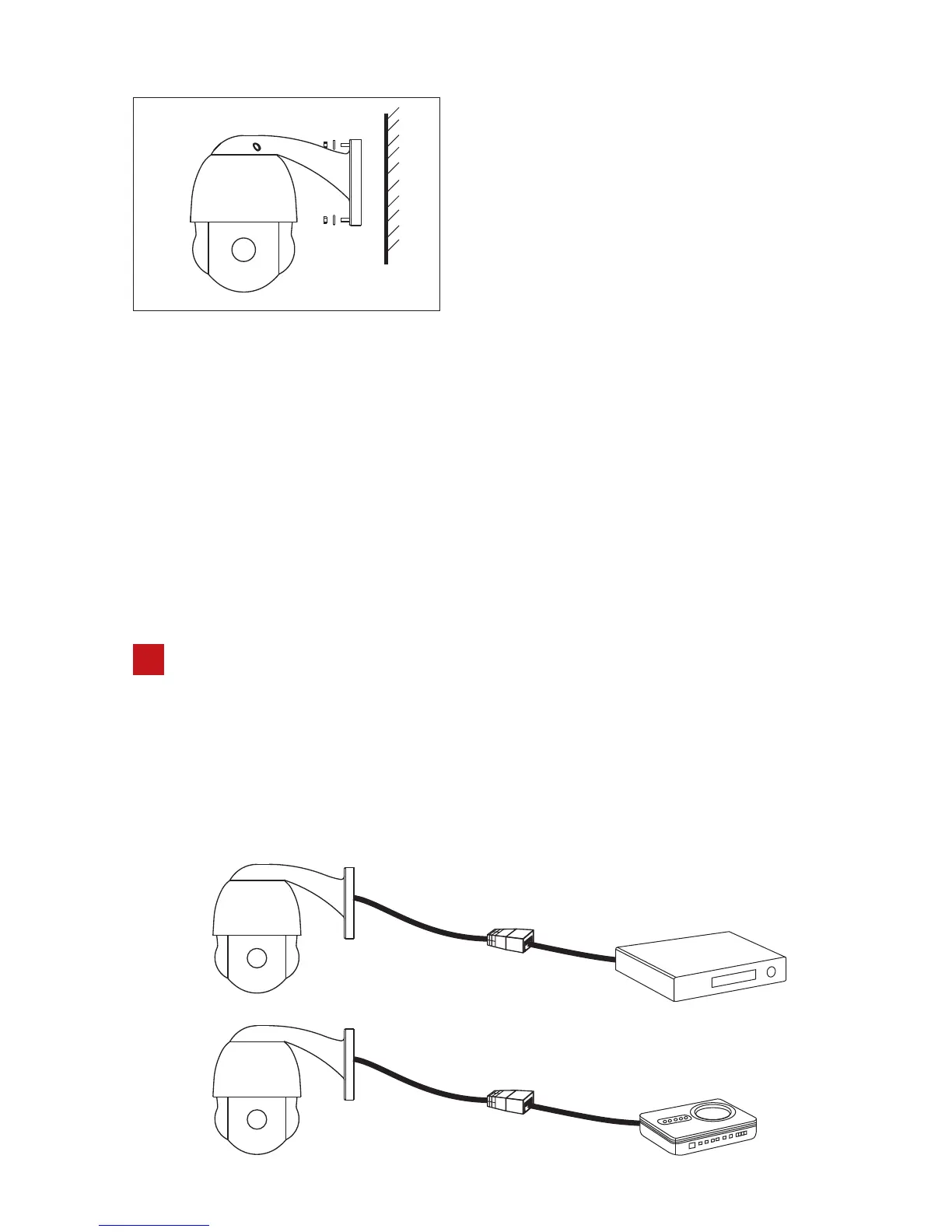
Step-4:
Fix the speed dome camera.
Lead cable drawn out from the holder
recess, then put the 4 installation hole
of bracket of speed dome focus on the
wall's 4pcs expansion screw and tighten
that 4pcs nut. Then seal the appeared
groove via glass glue.
Link device
4
4.1 Connection way as following: Please connect the POE dome camera
and POE switcher/router/NVR with ethernet cable. If the switcher/
router/NVR is without POE function, please power on the dome
camera and connect it to switcher/router/NVR with the ethernet.
Details as below:
Network
Cable
POE NVR
Network
Cable
POE Router/Switcher
-05-



 To Next Page