-07-
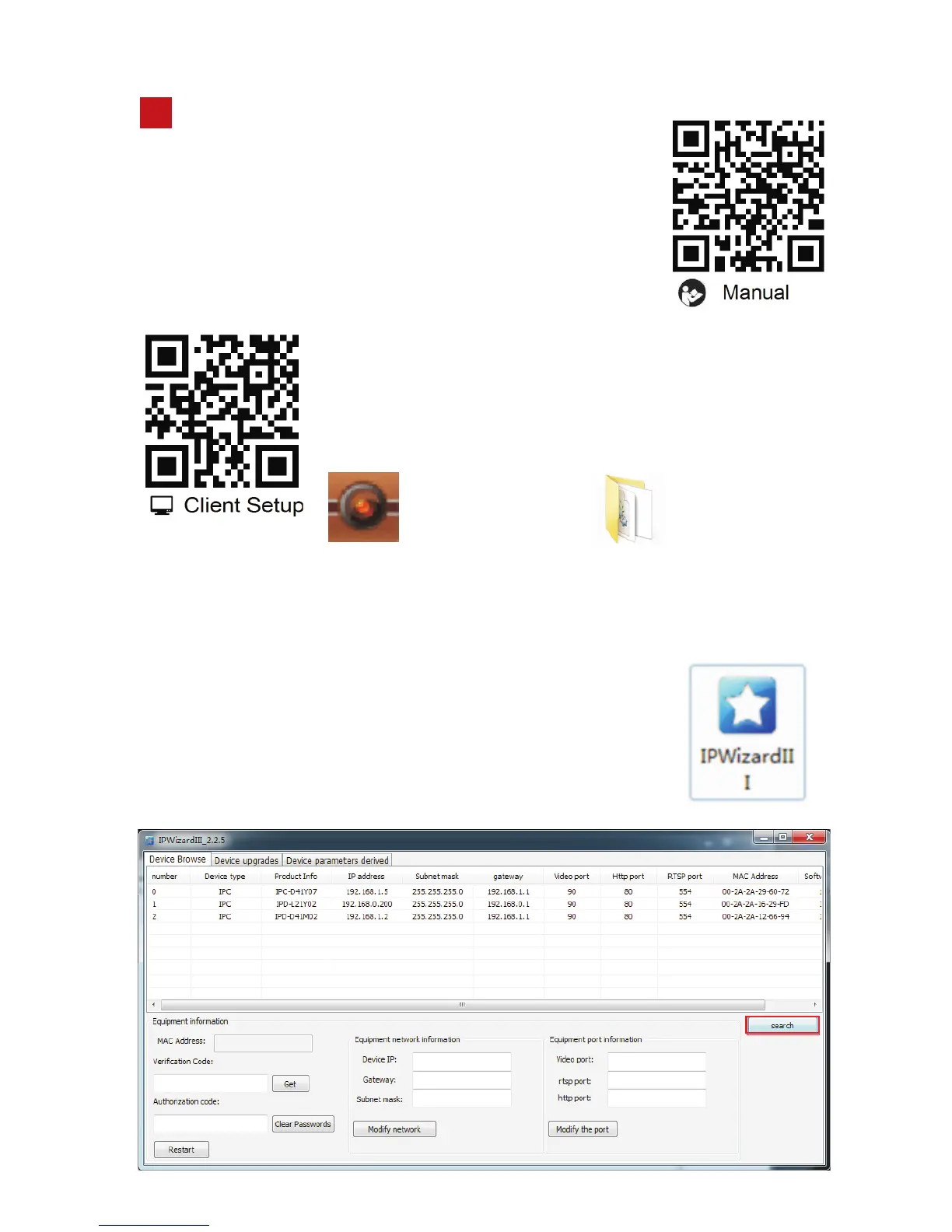
After downloading there will be a search tool IPWizardlll, a PC client (HCMS)
installation package and a camera manual compression package.There are
four ways to access the dome camera: web client access,
PC client access, mobile APP access, and NVR access.
First to confirm the IP address of the device, you can use
a dedicated search tool (IPWizardlll) to search it. Factory
default IP is 192.168.0.200
Scan the QR code of manual to download the user
manual. Or go the the web:
http://121.42.188.188:83/v2/M-I-S2018V1.pdf
to download the document
Scan the QR code on the screw bag or left QR code to
download software and installation tool.
Or go the the web:http://121.42.188.188:83/HS-LF.zip
to download the software and installation tool.
Software tools
5
HCMS_2.2.9.2.exe
IPWizardIII_2.1.1


 To Next Page