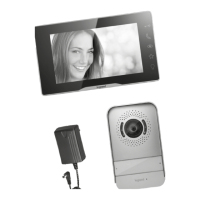
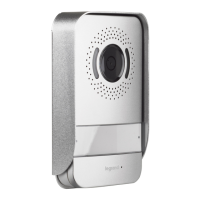
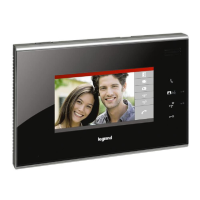
Easy Kit Connected
• Move the joystick up/down to select the page among:
• Verwenden Sie den Joystick nach oben/unten,
um folgende Seiten zu wählen:
• Wi-Fi-Settings and Adjustments
• Wi‑Fi‑ und Menüeinstellungen
• From stand-by press the joystick to activate the display
• Im Standby, den Joystick drücken, um das Display zu aktivieren
• You can download the Easy Kit Connected App from the Stores.
he page disappears after the first association with the App:
• Sie können die App Easy Kit Connected in den Online-
Stores herunterladen. Die Seite wird nach der ersten
Verknüpfung mit der App nicht mehr angezeigt:
Door Entry
CLASSE 100X
App
• Display the NETATMO cameras. Press the joystick to
display the associated NETATMO cameras.
• NETATM
O-Kameras anzeigen. Drücken Sie den Joystick, um
die verknüpften Netatmo-Kameras anzuzeigen.
• Adjust the ringtone volume
• Lautstärke der Ruftöne einstellen
• Wi-Fi settings page, where it is possible to enable/disable/reset the Wi-Fi,
perform the first association to the app and reset the device
• Wi-Fi-Einstellungsseite, auf der Sie Wi-Fi aktivieren/deaktivieren/zurücksetzen,
die erste Verbindung mit der App herstellen und das Gerät zurücksetzen können
• Device info
• Informationen über die Hausstation
EXIT
• Exit the menu
• Menü beenden



 To Next Page