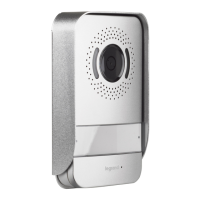
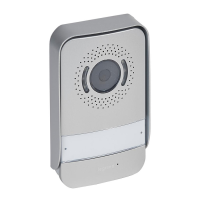
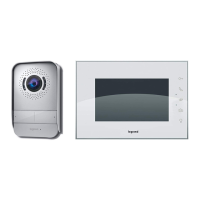
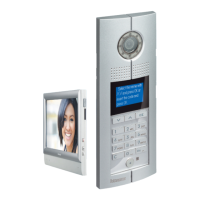
Easy Kit Connected
• Ringtone volume adjustment
From stand-by press the joystick to activate the display and select the corresponding page
• Ruftonlautstärke einstellen
Im Standby, den Joystick drücken, um das Display zu aktivieren und die entsprechende Seite zu wählen
• Press the joystick to adjust the volume.
The ringtone is played at the set volume level
• Den Joystick drücken, um die Lautstärke zu regeln.
Das Läutwerk wird auf die gewünschte Lautstärke eingestellt
1
• Move the joystick up/down to select the volume level (1 – 8).
• Bewegen Sie den Joystick nach oben/unten, um das
Lautstärkenniveau einzustellen (1 - 8).
2
2
3
• Press the joystick to confirm the setting or wait for the timeout
• Den Joystick drücken, um die Einstellung zu bestätigen oder das Timeout abwarten
• Move the joystick up/down to select another setting or the last page to exit
• Bewegen Sie den Joystick nach oben/unten, um eine andere Einstellung zu
wählen oder die letzte Seite abzurufen, um den Vorgang zu beenden
4
4
• The minimum level corresponds to the exclusion of the ringtone. The corresponding LED flashes red
• Die niedrigste Einstellung schaltet das Läutwerk stumm. Die entsprechende LED blinkt rot



 To Next Page