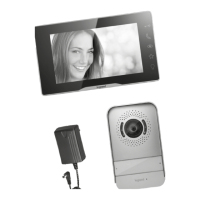
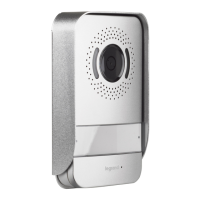
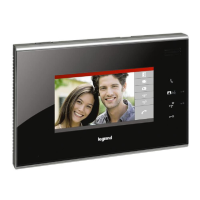
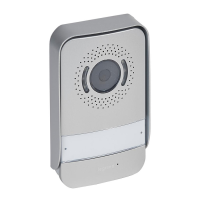
Easy Kit Connected
• WI-FI settings
From stand-by press the joystick to activate the display and select the corresponding page
• WI-FI-Einstellungen
Im Standby, den Joystick drücken, um das Display zu aktivieren und die entsprechende Seite zu wählen
• Press the joystick to select the page of interest
• Den Joystick drücken, um die gewünschte Seite zu wählen
• Move the joystick up/down to select the page among:
• Bewegen Sie den Joystick nach oben/unten, um folgende Seiten zu wählen:
• In this page you can display the Wi-Fi network to which the device is connected and if necessary disable the connection. Note: to connect the device to the Wi-Fi network and
to the app, you must first associate the Easy Kit Connected to the Easy Kit Connected app.
• Auf dieser Seite können Sie das Wi-Fi-Netzwerk mit dem die Hausstation verbunden ist, anzeigen und die Verbindung ggf. deaktivieren. Anmerkung: Um das Gerät mit dem
Wi-Fi-Netzwerk und der App zu verbinden, ist zuerst die Verknüpfungsprozedur der Easy Kit Connected mit der App Easy Kit Connected durchzuführen.
RESET
• This page can be used to reset the Wi-Fi network.
• Auf dieser Seite können Sie das Wi-Fi-Netzwerk zurücksetzen (Reset).
• This page can be used to reset the device.
• Auf dieser Seite können Sie die Hausstation zurücksetzen (Reset).
RESET
• Exit the menu
• Menü beenden
EXIT



 To Next Page