12
1. Turn off the UPS in line mode (without batteries)
a) Press and hold the OFF key for 2 seconds to turn off the inverter and the UPS
is in Bypass mode now; on the contrary, you may press the hold the OFF key for 2
seconds in order to change over back to inverter mode.
b) To shut down (turn off) the UPS completely, you need to turn off the input
switch.
2. Turn off the UPS with connecting batteries
a) Press and hold the OFF key for 2 seconds to turn off the UPS.
b) After UPS is turned off, all LED and LCD will be extinguished and there is no
output.
Remarks: When the UPS is turned off from the inverter mode, it will discharge DC Bus to
80V, then shut down completely; therefore, sometimes, it takes more several seconds to
complete.
4.1.2 Turn off operation
4.2.1 Faceplate display illumination
4.2 FACEPLATE DISPLAY
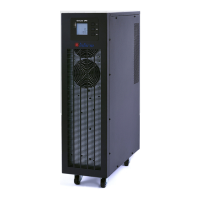
Fig.4-1 Overview of the operating panel of the UPS
(1) ALARM LED
(2) BYPASS LED
(3) BATTERY LED
(4) INVERTER LED
(5) LCD DISPLAY
(6) SCROLL BUTTON: Enter to next Item
(7) OFF BUTTON
(8) ON BUTTON


 To Next Page
 Loading...