On the drawing area the current content of the selected ASCII character is displayed.
You can edit the character using the tools and commands from the menu bar. To
change the size of the drawing area and to set the grid you can use the options from
the <View> drop-down menu. The status bar at the bottom side of the drawing
area displays instructions for the current tool or command. There are x-y indicators
in the lower right corner of the font editor. They show the position of the point in
the drawing area on which was clicked last.
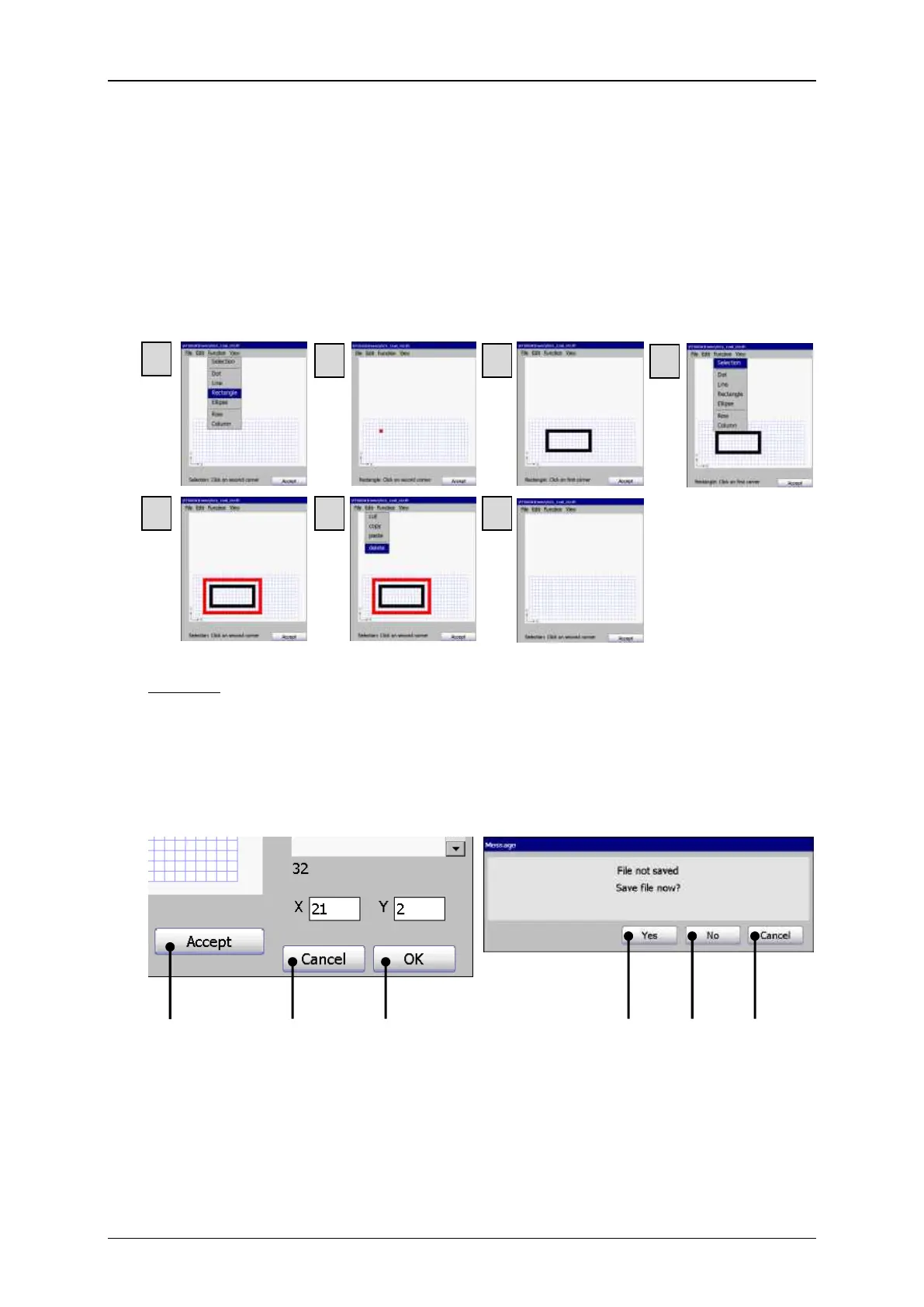
Example: First you draw a rectangle using the rectangle tool (1 to 3). Then you select
the rectangle with the selection tool (4). The selection tool creates a red
frame (5). At last you use the <Delete> command to delete the selected
area (6-7).



 To Next Page