Group 8 Job editor Page 231
Release R2.0 LEIBINGER JET3
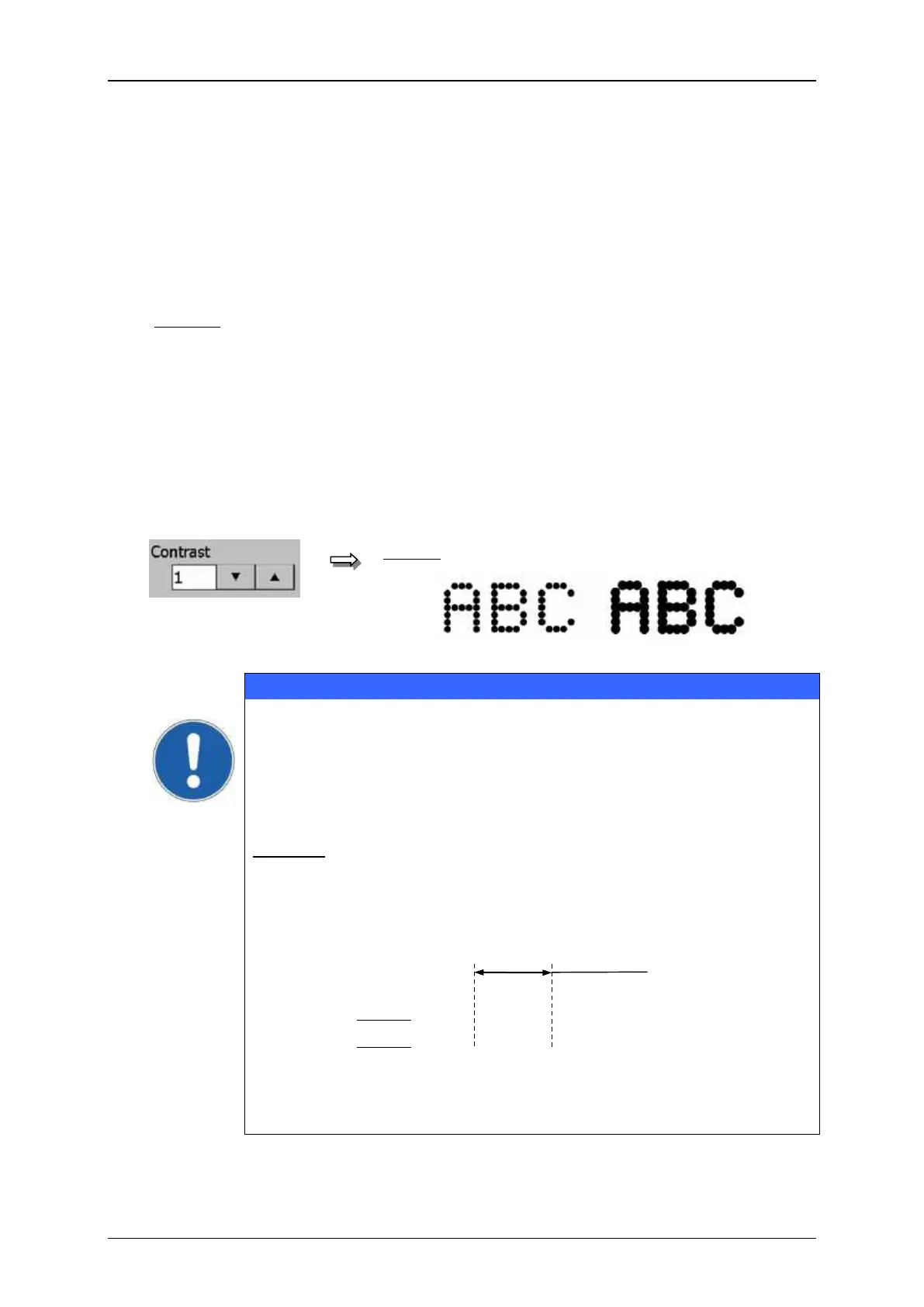
The setting determines the print contrast of the object. The value can be set between
0 – 7.
To get a contrast increasing of the print out, you have to place several dots on top
of each other (on the same position).
0 = no contrast increasing (single print out)
1 = 2 dots are placed on top of each other
2 = 3 dots are placed on top of each other
7 = 8 dots are placed on top of each other
The set value is shown on the accordant display field.
Object settings (Contrast)
From the technical side the function <Contrast> can only used for
complete strokes (vertical dot line). This means that all further strokes
which are placed above or below the attribute setting are also
generated with the contrast additionally to the affected object.
Example: For a doublespaced font only the lower line is reserved with
the attribute „Contrast“. The elements of the first line which
are placed above the attribute setting will be also printed
automatically with the attribute “Contrast”.
As higher the contrast has been set, as lower is the max. printing
speed!
Display: normal with contrast



 To Next Page