Group 8 Job editor Page 232
Release R2.0 LEIBINGER JET3
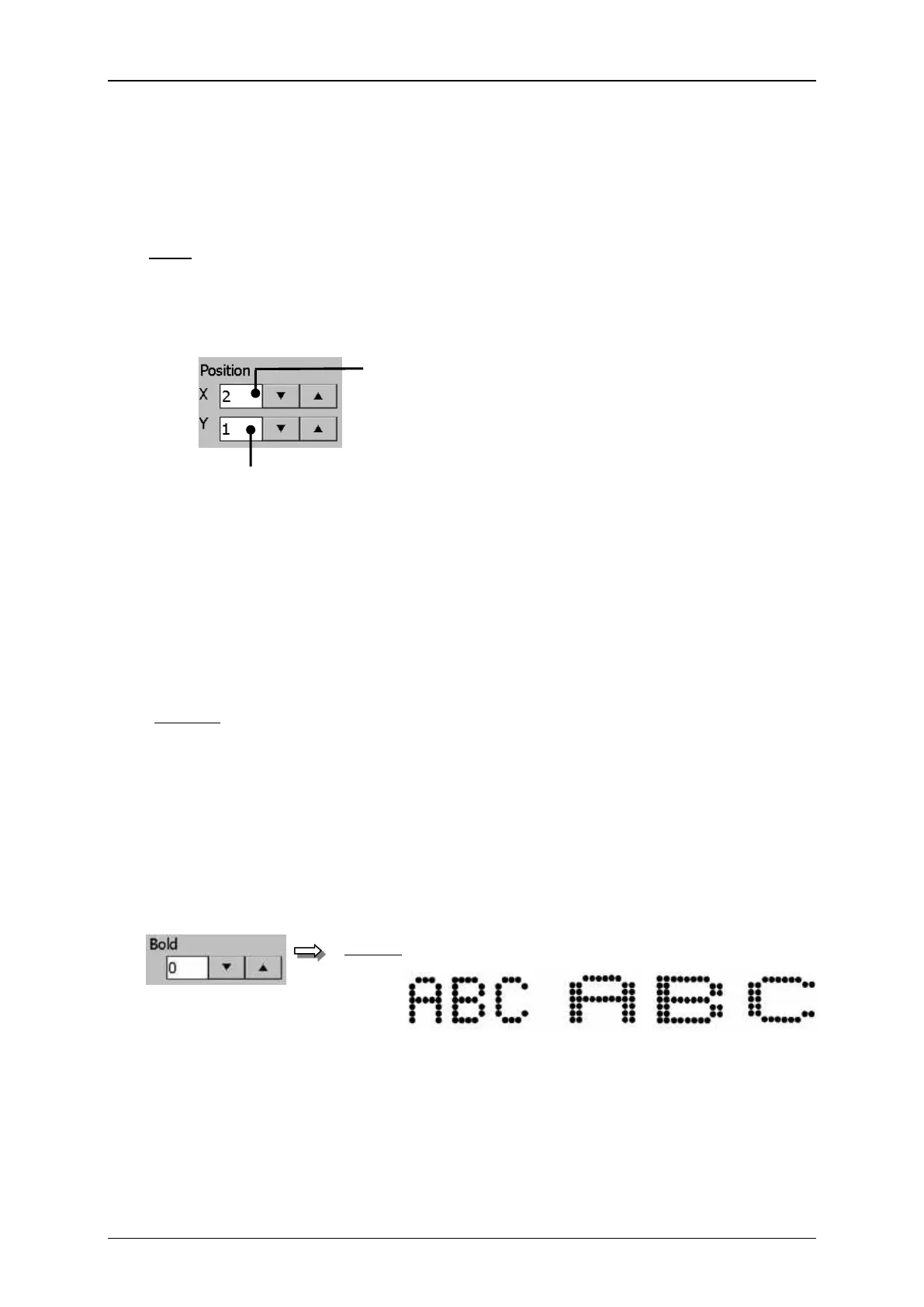
With the position inputs you can position the printing object accurately (pixel
accurate).
Note: Important for the displayed position is not the printing element but the position
of the displayed object frame.
1 – Display field <X – Position>
2 – Display field <Y – Position>
8.4.4 Bold level (Bold text)
To write a printing text “bold” you have to determine a bold level. The level can be
between 0 – 7.
To get a bold text several dots are placed parallel (multiplication of strokes).
0 = no bold text (single strokes)
1 = 2 dots are placed parallel (2 strokes)
2 = 3 dots are placed parallel (3 strokes)
7 = 8 dots are placed parallel (8 strokes)
The set value is shown on the accordant display field.
Object settings (Bold text)
Display: normal bold print



 To Next Page