Group 8 Job editor Page 285
Release R2.0 LEIBINGER JET3
A calendar date is set by using the date setting buttons (4). For date setting the
same is true as for time setting. Because there are no restrictions regarding the
content and the order it is also possible to mix date and time like shown in the
following examples:
dd/mm/YY/HH:MM:SS
dd/mm/HH:MM:SS/yyyy
There is an exclusion regarding the number and order of the used fields:
A “year”-field (“Year 2014” or “Year 14”) can only be used once within
a set of fields and special characters. If a second “year”-field is used it
will not be showed in the display and it will not be printed. Also all
fields after that second year field neither will be displayed nor printed.
E.g.:
DD:MM:YYYY/hh:mm/YYYY:hh:mm:ss
The crossed out part will neither be displayed nor printed.
Beside the buttons for time and calendar date there are several buttons for special
date formats available. These special formats can also be mixed with the time and
the calendar date fields.
The 19
th
February 2014 is in the 8
th
calendar week of the year 2014.
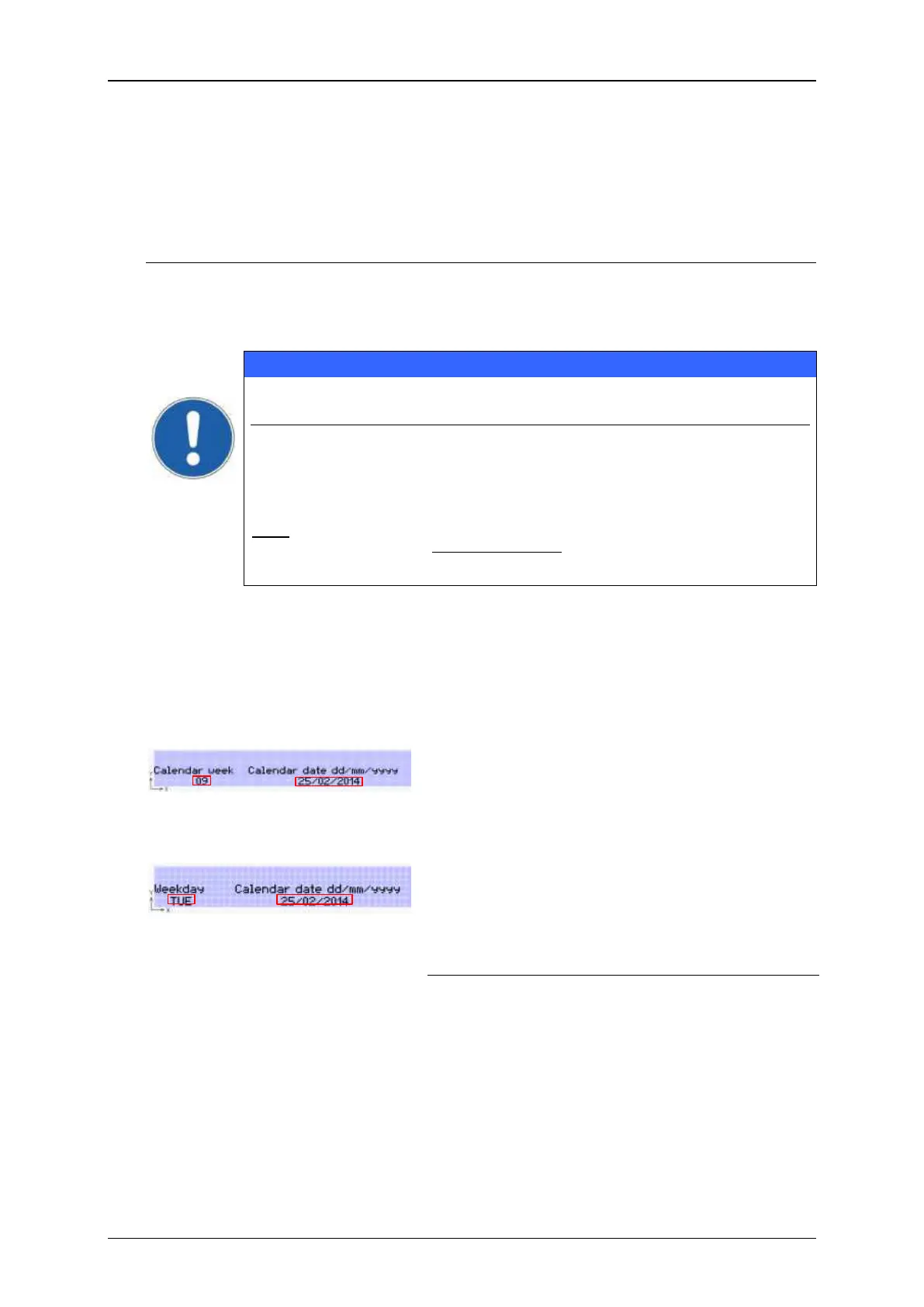
Displayed as “c” in the display field. The field
<Calendar week> shows the calendar week
number for the current date.
The 19
th
February 2014 is a Wednesday.
Displayed as “w” in the display field. The field
<Weekday> shows the weekday regarding the
current date. The following abbreviations are
used:



 To Next Page