Group 8 Job editor Page 308
Release R2.0 LEIBINGER JET3
8.7.5.1.2 Extern Text: fixed length – Object creation and properties
In the job editor you can create an <Extern Text> object either with the <Insert>
drop-down menu (1) or with the direct button (icon) for <Extern Text> (2).
This will open the dialog box for the object settings (3).
On the tab <Global settings> (4) you can enter the font settings (5), select font
options (6) or define the positioning of the object (7).
For details about the global settings of an object please see chapter
Object settings.
On the tab <Extern Text> you can choose the type of the extern text. The following
description refers to the option <Extern Text: fixed length> (9). The <Extern Text:
variable length> and the <Mailing> options are described separately.
The type <Extern Text: fixed length>offers several options:
Settings for double prints (11)
Settings for wildcards (10)
Settings for an offset (12)
Setting for double prints
With the checkbox checked off (11) each received character string will only be printed
once. In case there is another PrintGo signal received before any new data were
received the printer will switch to <Print Stop>: the green <Print Start> button
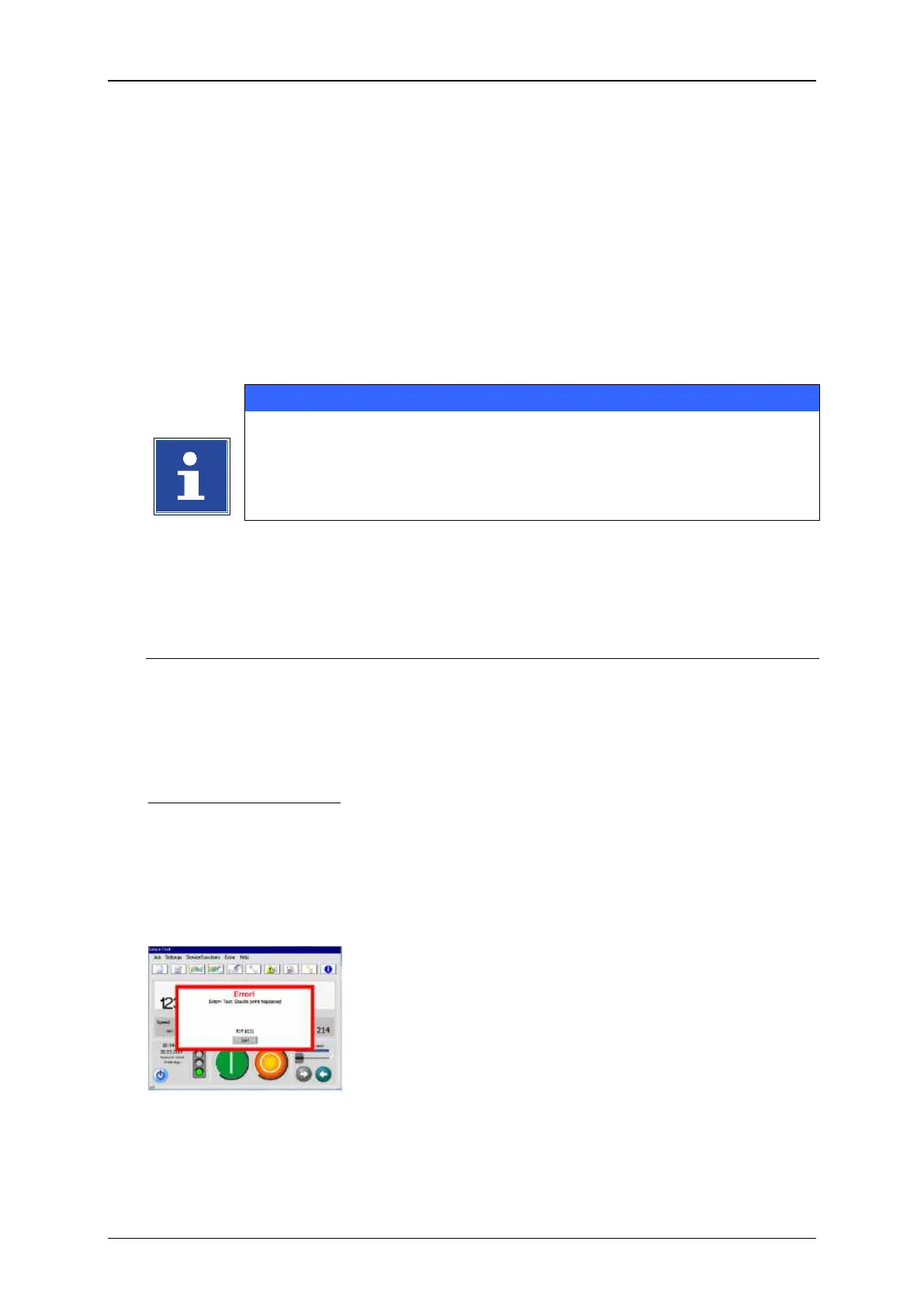
switches off and the red <Print Stop> button switches on. Additionally a message
box is displayed:
You will have to confirm the error message and restart the print-out again by pressing
the green <Print Start> button.



 To Next Page