EasyManua.ls Logo

Leica Geosystems RX1210T - User Manual

Leica Geosystems RX1210T
230 pages
Print Icon
To Next Page IconTo Next Page
Loading...
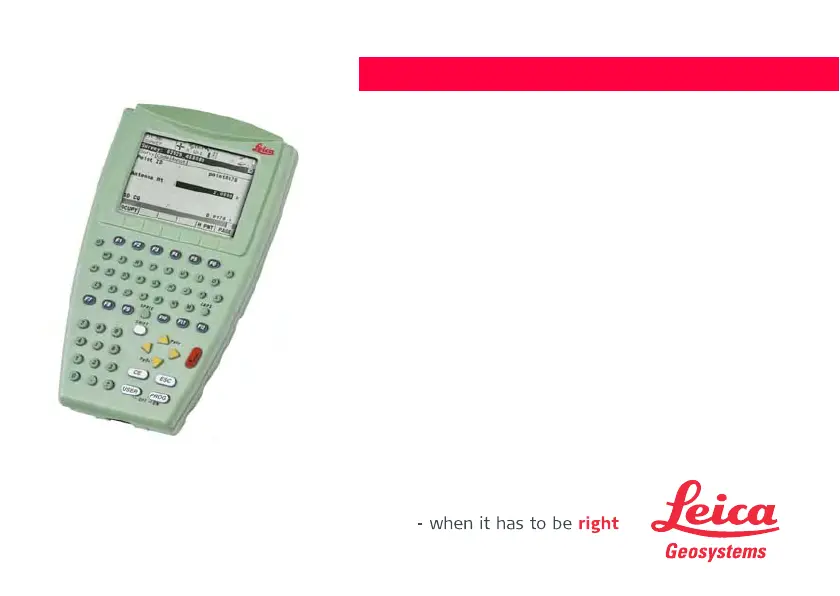
Leica RX1200
User Manual
(Draft Copy Only)
Version 5.0
English

Table of Contents

Questions and Answers

Summary

Description of the System

RX1200 Components

User Interface

Keyboard Layout

Shows keyboard layout and labels function, alpha, and numeric keys.

Screen Layout and Elements

Describes screen areas, message lines, icons, and softkeys.

Operation

Equipment Setup Procedures

Covers mounting the RX1200 to holders, handstraps, or GNSS receivers.

Battery Management and Replacement

Provides guidance on battery usage, charging, and replacement for various models.

CompactFlash Card Usage

Details handling, insertion, removal, and formatting of CompactFlash cards.

Basic Device Operations

Covers turning the RX1200 on/off, sleep mode, and keyboard locking.

RX1250 Connectivity Options

Explains connections to SmartAntenna, cellular phones, and PCs.

Local Mode

Safety Directions

General Safety Introduction and Use

Introduces safety directions to anticipate and avoid operational hazards.

Intended and Adverse Use Warnings

Defines permitted uses and lists adverse use cases to avoid.

Limits of Use

Specifies environmental suitability and contact requirements for hazardous areas.

Responsibilities

Outlines duties of manufacturer, accessory makers, and person in charge.

Hazards of Use and Precautions

Warns about risks like lightning, dynamic applications, and securing sites.

Electromagnetic Compatibility (EMC)

Discusses product's ability to function smoothly in EM environments.

Trouble Shooting

Power and Communication Issues

Troubleshoots problems like device not turning on or connecting to TPS1200.

Technical Data

Appendix B: Cables

Leica Geosystems RX1210T Specifications

General IconGeneral
Data Output RateUp to 20 Hz
Ingress ProtectionIP67
Data StorageInternal memory
Communication InterfacesBluetooth
TypeRTK GNSS Receiver
Frequency BandsL1, L2

Related product manuals