EasyManua.ls Logo

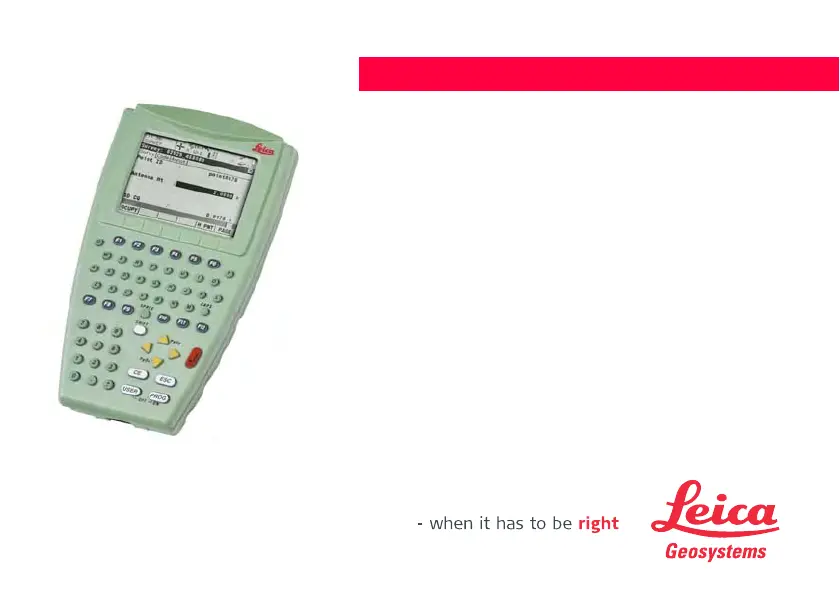
Leica Geosystems RX1220T - User Manual

Leica Geosystems RX1220T
230 pages
Print Icon
To Next Page IconTo Next Page
Loading...
Leica RX1200
User Manual
(Draft Copy Only)
Version 5.0
English

Table of Contents

Questions and Answers

Summary

How to Use this Manual

User Interface

Operating Principles

Explains how to operate the RX1200 using the keyboard and touch screen.

Operation

Equipment Setup

Guides on fixing the RX1200 to holders, handstraps, or GNSS receivers.

Local Mode

Radio Settings

Details how to change communication parameters and configure radios.

Safety Directions

Hazards of Use

Details potential hazards like lightning, electrical installations, and improper use.

Trouble Shooting

RX1200 does not turn on

Provides steps to check when the RX1200 fails to power on.

RX1200 does not connect to TPS1200

Offers solutions for connection issues between RX1200 and TPS1200.

RX1250 Bluetooth connection to PC

Troubleshoots problems with establishing a Bluetooth connection to a PC.

Technical Data

RX1200 Technical Data

Lists specifications for the RX1200, including design, display, and dimensions.

Leica Geosystems RX1220T Specifications

General IconGeneral
TypeGNSS Receiver
Operating Temperature-40°C to +65°C
Ingress ProtectionIP67
Battery LifeUp to 10 hours
Weight1.5 kg
Frequency BandsL1, L2, L5
Signal TrackingGPS, GLONASS, Galileo, BeiDou
Communication InterfacesBluetooth, Serial, USB, Ethernet

Related product manuals