Introduction
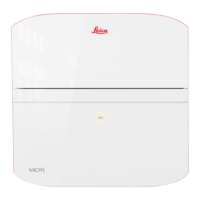
Congratulations on the purchase of the Leica BLK3D Mobile.
The symbols used in this manual have the following meanings:
Type Description
☞
Important paragraphs which must be adhered to in practice as they
enable the product to be used in a technically correct and efcient
manner.
This manual contains important safety directions as well as instructions for setting up
the product and operating it. Refer to "20 Safety Directions" for further information.
Read carefully through the User Manual before you switch on the product.
The content of this document is subject to change without prior notice. Ensure that the
product is used in accordance with the latest version of this document.
Updated versions are available for download at the following Internet address:
https://myworld.leica-geosystems.com > myDownloads.
The model and serial number of your product are indicated on the type plate.
Always refer to this information when you need to contact your agency or Leica
Geosystems authorised service centre.
Purchase
Symbols
☞
Product identication
2



 To Next Page