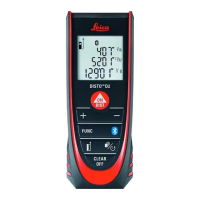
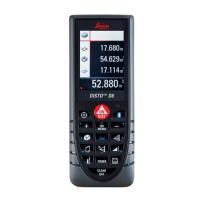
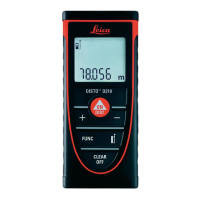
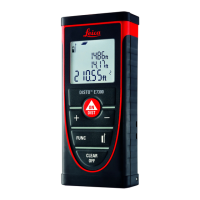
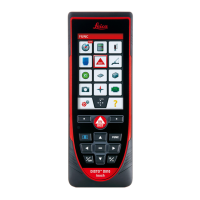
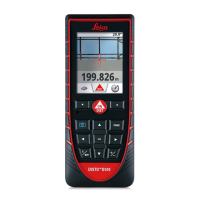
How to use Leica DISTO™ D510
Switch On and Off
The key switches and activates the laser in a single press.
Press once quickly to shoot a distance or...
Press and hold for 2 seconds to activate continuous laser
measurement (Tracking).
Press once quickly to switch off tracking.
Press and hold the button for 2 seconds to switch off the
E7100i. The E7100i automatically switches off after 3 minutes of
inactivity.
Display Overview of the Settings Page page
Display Overview of the Functions Page


 To Next Page