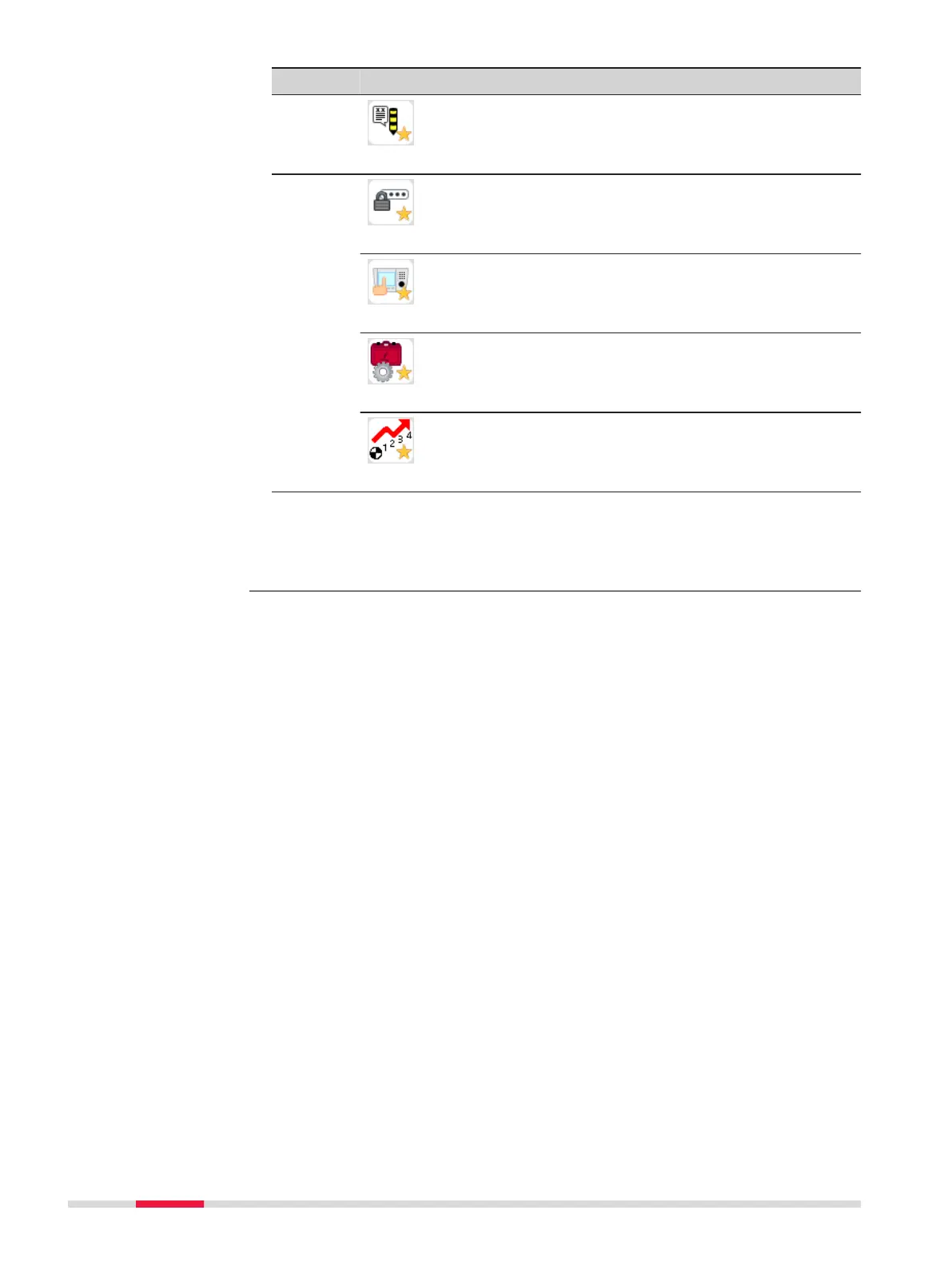
Favourite Description
Free code
Opens the Free Code screen from within a
levelling application. Refer to 10 Free Coding.
Setting
Mode
Opens the screen to change the mode set-
tings. Refer to 6.5 Mode Settings.
Touch
To activate/deactivate the touch screen.
Work
Opens the Work Settings screen.
Refer to 6.1 Work Settings.
PtID Incr
Opens the Point ID & Incrementation
screen. Refer to 6.1 Work Settings.
☞
In addition to the Favourites key, you can use the User Key 1 and
User Key 2 to quickly access functions from any measurement
screen. For details on how to assign functions to the User keys, refer
to 6.1 Work Settings.
74 Favourites



 To Next Page