RUNNER 20/24-1.0.1en
3
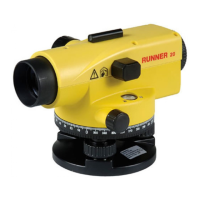
The type of your product is indicated on the label on the bottom of
the base plate. The serial number is on the right side of your
product.
Write the type and serial number of your instrument in the space
provided below, and always quote this information when you need
to contact your agency or service workshop.
Type: Serial no.:
Product identification
Product identification








 To Next Page