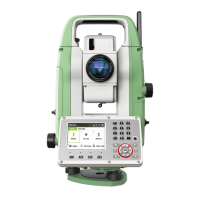
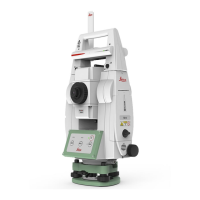
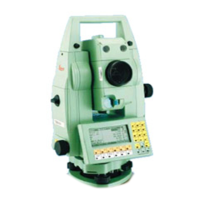
MS50/TS50/TM50, Operation
53
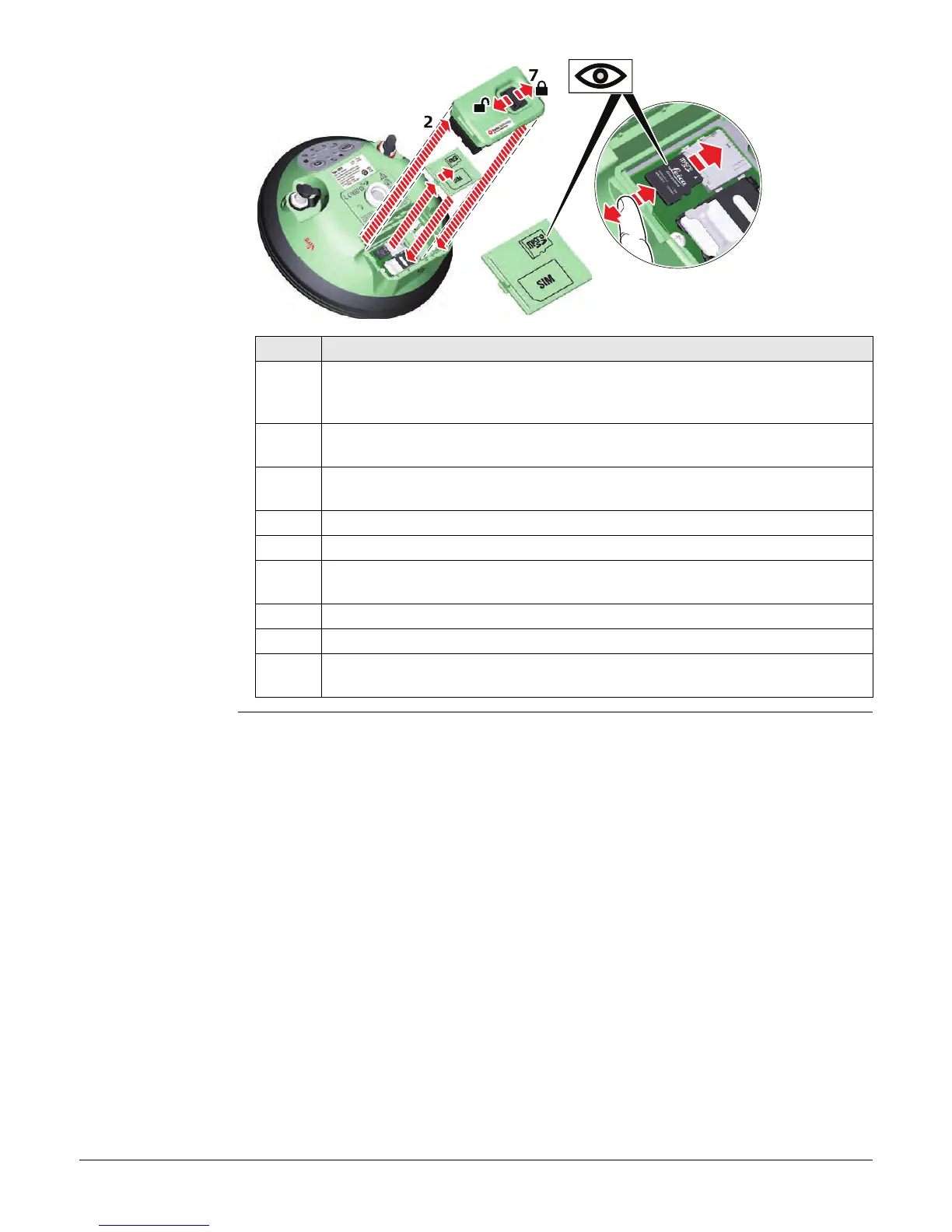
Insert a microSD
card into GS14
step-by-step
Step Description
Removing the microSD card while the GS14 is turned on can cause loss of
data. Only remove the microSD card or unplug connecting cables when the
GS14 is switched off.
The microSD card is inserted into a slot inside the battery compartment of
the instrument.
1. Push the slide fastener of the battery compartment in the direction of the
arrow with the open-lock symbol.
2. Remove the cover from the battery compartment.
3. Press the latch of the SIM/microSD card cover and remove the cover.
4. Slide the microSD card with the logo facing upwards firmly into the slot until
it clicks into position.
5. Insert the SIM/microSD card cover to cover slot.
6. Insert the cover over the battery compartment.
7. Push the slide fastener in the direction of the arrow with the close-lock
symbol.
4a
4a



 To Next Page