EasyManua.ls Logo

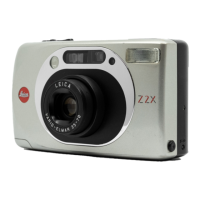
Leica Z2X - Capturing Photographs; The Shooting Process

Leica Z2X
47 pages
Print Icon
To Next Page IconTo Next Page
To Previous Page IconTo Previous Page
Loading...
distance
between camera
and
subject
has to be
increased.
However,
if
the
green
LED
f lashes
at
short
intervals, automatic
focusing
is not
possible
due to
insuff
iclent
contrast.
In
this
case, aim
the camera
at a similarly
lit
subject
at a comparable
distance
until
the corresponding
focus and
exposure
values
have
been
stored
in the
memory.
lf
your
subject
requires
more light, the
LEICA
Z2X automatically
activates
the
auxiliary
AF light.
=
-
Red
LED
(171
The red
LED lights up after
a slight
pressure
on the
shutte'f
release to
indi-
cate
flash readiness.
The red
LED flas-
hes and the shutter
release
is
blocked
when the
flash
is not
yet
ready. Flash
recycling time
with f resh batteries
is
about
5 seconds.
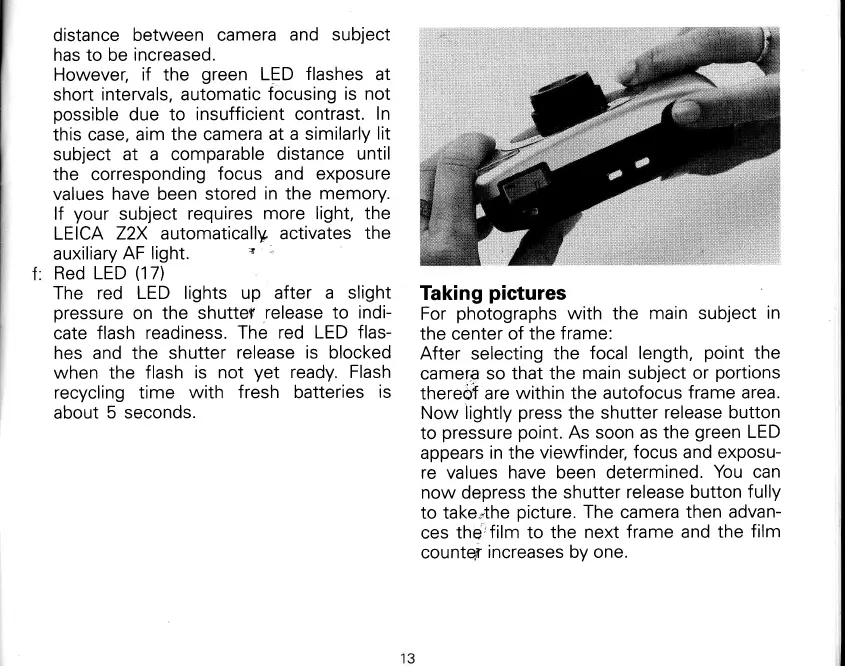
Taking
pictures
For
photographs
with the
main subject
in
the center
of the
frame:
After
selecting
the
focal length,
point
the
camera
so
that the
main subject
or
portions
thereof are
within
the
autofocus
frame area.
Now lightly
press
the
shutter
release button
to
pressure
point.
As
soon
as the
green
LED
appears
in
the
viewfinder,
focus and exposu-
re values
have been determined.
You
can
now
depress
the
shutter
release button
fully
to take*the
picture.
The
camera
then
advan-
ces
the'film to
the
next
frame and the
f ilm
countqr
increases by one.