EasyManua.ls Logo

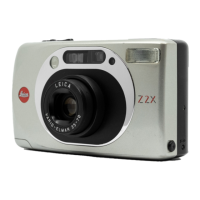
Leica Z2X - Automatic Program Mode: Auto Flash; Flash Activation in Low Light

Leica Z2X
47 pages
Print Icon
To Next Page IconTo Next Page
To Previous Page IconTo Previous Page
Loading...
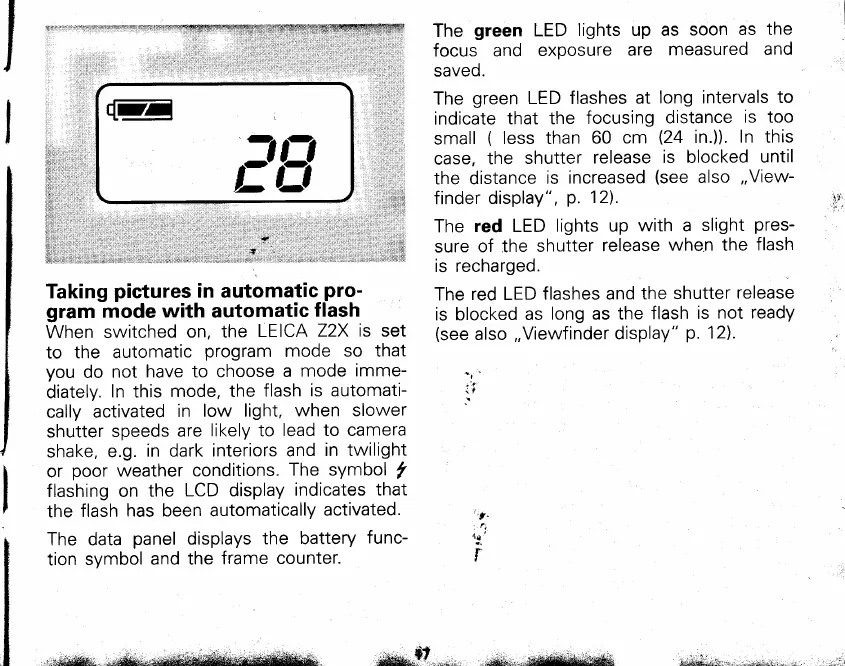
Taking
pictures
in automatic
pro-
gram
mode with automatic
flash
When
switched
on, the
LEICA
Z2X is set
to
the automatic
program
mode
so that
you
do
not
have to choose
a
mode
imme-
diately.
In this
mode, the
flash
is automati-
cally
activated
in
low light,
when slower
shutter
speeds
are
likely to
lead to camera
shake,
e.g.
in dark interiors
and
in twilight
or
poor
weather
conditions.
The symbol
y'
flashing on
the
LCD display
indicates that
the
flash
has been automatically
activated.
The
green
LED
lights up as
soon
as the
focus
and
exposure
are
measured
and
saveo.
The
green
LED flashes
at
long intervals
to
indicate
that the
focusing
distance
is too
small
(
less than
60 cm
(24
in.ll.
In this
case,
the
shutter
release
is blocked
until
the distance
is increased
(see
also
,,View-
finder display",
p.
12).
The
red LED
lights up
with a
slight
pres-
sure
of the
shutter
release
when the
flash
is recharged.
The
red LED
flashes and
the shutter
release
is blocked
as
long as the
flash
is
not ready
(see
also
,,Viewfinder
display"
p.
12).
data
panel
displays
the battery
func-
symbol
and the
frame
counter.
..f
it
"t.
..
fl
\a
i
The
tion
E
.-l
t-|.
tiJ
',;wiql-;
-",*
"r"--;8
*qS!6-
d&#gup-,,.-.
--su**sfitfl&tu{$&3 i*rrA&aiihii:',r*,ilriii*tslo';;..*

Related product manuals