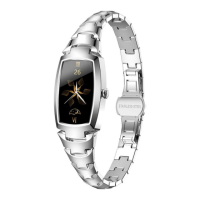
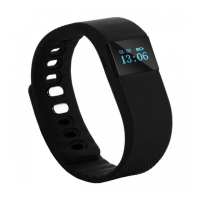
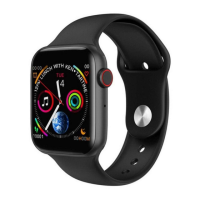
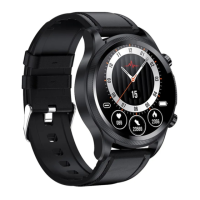
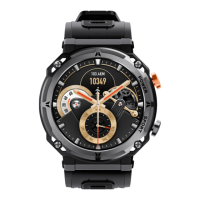
Thank!you!for!choosing!our!company!smart!watches.!You!can!read!this!manual!to!have!a!
comprehensive!understanding!of!the!using!of!device,!and!operate!it!simply.!The!company!reserves!
the!right!to!amend!the!contents!of!this!manual!without!prior!notice.!
Package:!one!gift!box,!one!user!manual,!one!smart!watch,!and!one!charging!cable.!
●!How!to!charge:!Magnetic!charging!cable.!As!shown!in!the!following!picture,!please!point!the!
charging!cable!to!the!charging!contact!on!the!back!of!the!smart!watch.!Then!it!starts!to!charge.!It!
takes!about!120minutes!for!charging.!
●!How!to!use!insert!sim!card:!This!smart!watch!supports!GSM!2G!call!function!and!support!WCDMA!
3G!Internet!doesn’t!support!CDMA!and!CDMA!2000.!Support!NANO!card.!In!the!off!state,!as!shown!
in!the!following!picture,!there!is!a!SIM!card!cover!in!the!back!o f!the !sm art!watch.!Gently!open!the!
cover,!you!can!see!a!SIM!card!slot.! !
Please!install!the!SIM!card!according!to!the!above!direction,!then!close!the!cover!before!you!turn!on!
the!device.! ! !
Please!note!that!the!two!contacts!of!the!charging!cable!cannot!touch!the!conductive!object!at!
the!same!time,!other w ise!it!will!cause!short!circuit!combustion.!


 To Next Page