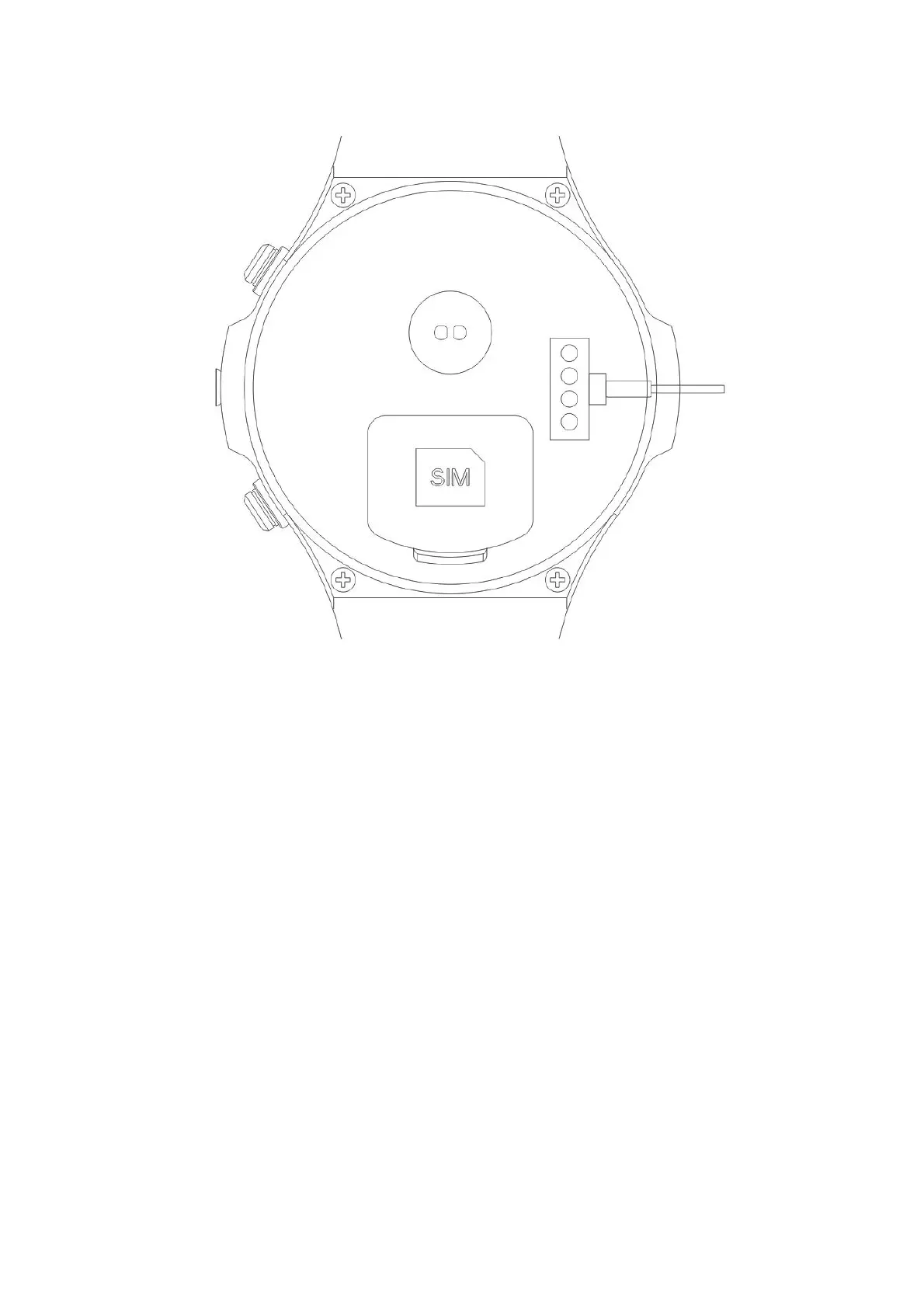
!
!
!
●How!to!use!it:!
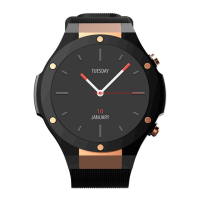
The! right! bottom! key! is! power! key:! long! press! power! for! power! on/off,! short! press! for! back ! the!
home!screen.!And!the!screen!is!on!or!off!accordingly!if!short!press!again.! !
The!right!top!key!is!back!key:! ! short!press!for!back!to!the!previous!menu.!When!the!screen!is!off,!
short!press!for!bright!screen.! ! ! !
TP!gesture!operation:!Enter!each!function,!slide!from!left!to!right!for!back!to!the!previous!menu.!
Time!interface! :! long!press!the!middle!of!the!time!interface,!slide!left/right!for!change!different!
time!interface,!click!to!choose!the!one!you!want.! ! !
Time!interface!download :!long!press!the!m id dle !of!the!time!interface,!then!slide!left,!there!is!a!p lus !


 To Next Page