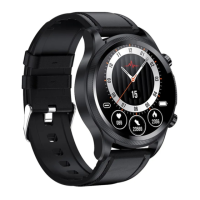
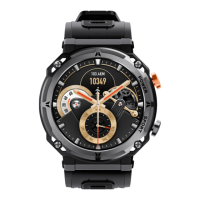
mark!in!the!end,!click!the!mark!on!online!state,!then!you!can!choose!new!time!interface!what!you!
like.! !
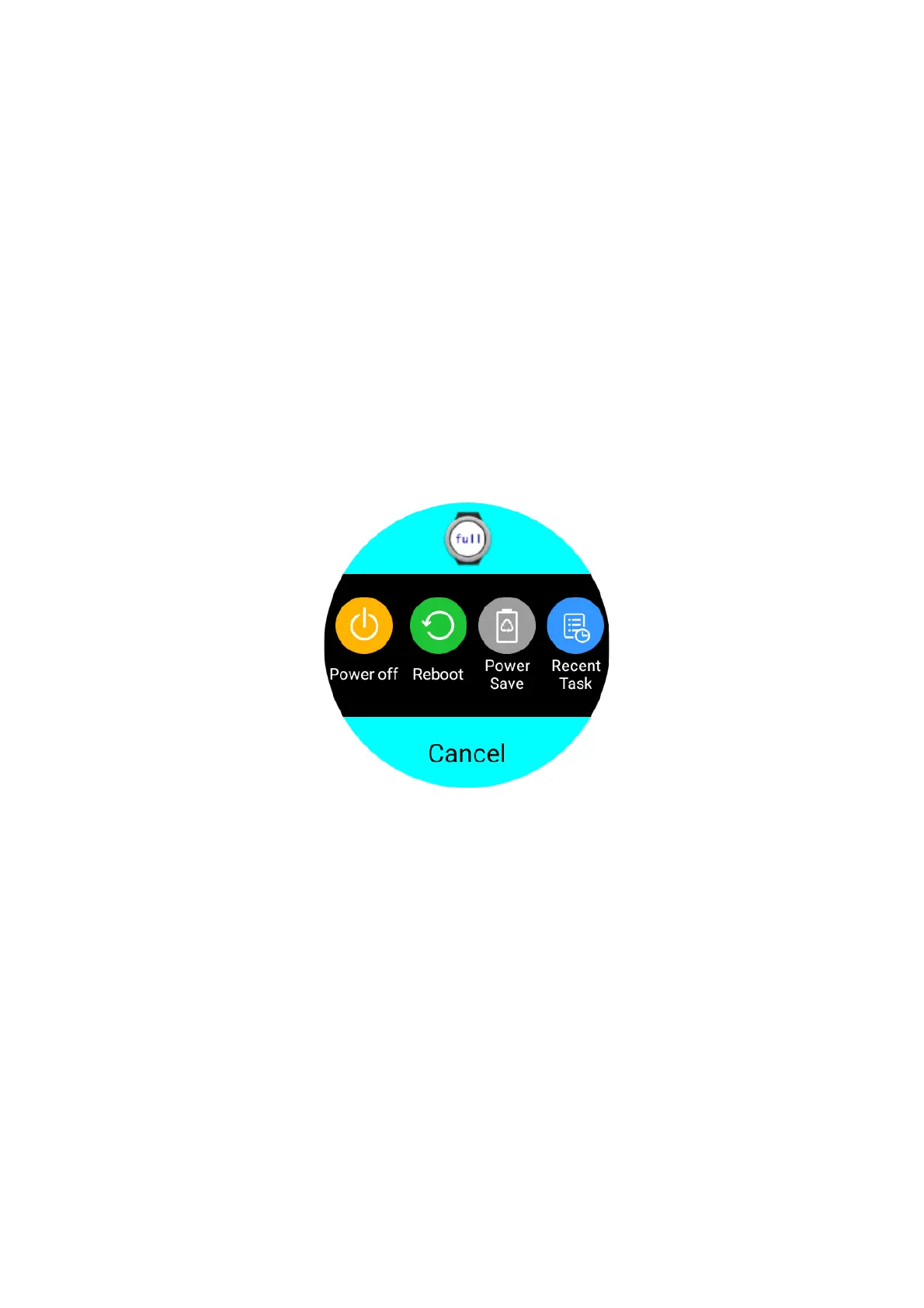
The!third!part!APP!interface!enlarge!/!reduce!in!size:!N o !matter!in!any!interface,!long!press!power!
key ,!enter!an!interface.!There!is!a!size!enlarge!/reduce!key!at!the!top!of!interface.!It!can!enlarge!and!
reduce!a!interface.!After!you!make!a!chose,!click!Cancel!to!return.! !
!
Recent! task:! The! system! will! be! slower! if! open! too! many!applications.! You! can! view! the! recently!
opened!applications,!also!can!choose!to!close!some!applications.!
!
●!Status!Bar:!pull-down!from!the!standby!state!screen.!There!are!3!pages.!
Middle!page:! ! Notification!mode!selection!on!the!first!line!on!this!page.!
!!!!!!!!!!!!!!The!second!line:!Wrist!bright!screen!/!fight!Mode/!data!connection!/!GPS! !
!!!!!!!!!!!!!!The!third!line:!brightness!option/!Bluetooth!/!Wi-Fi! !
Left! page:! There! are! date,! time,! week,! SIM! signal,! Bluetooth! connection! status,! power! percent!
information!on!th is!p age .!
!
Right!page:!It!is!pedometer!interface,!there!are!steps!and!distance!date!on!it.!The!data!will!be!saved!


 To Next Page