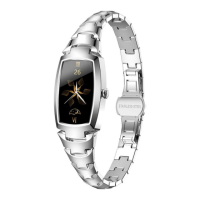
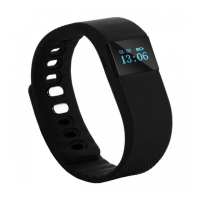
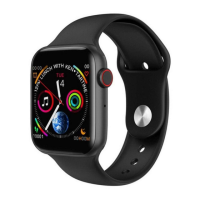
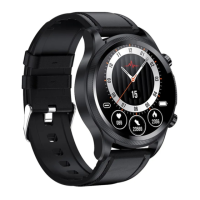
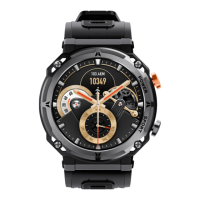
the!browser!on!sm art!watch.!
●! Wireless! upgrade:! Main! menu! -! setting! -! about! watch! -! wireless! upgrade! -! click! test! version.!
Please!make!sure!that! your!phone!has!more! than!80%!power!for!upgrade!version,!so! you !can!enjoy!
the!last!software!at!any!time.!
!
!
As! the! Bluetooth! protocol! is! different! between! all! the! mobile! phone! brands.! Sometimes! the!
Bluetooth!connection!will!be!instability!between!mobile!phone!and!smart!watch.!Please!turn!off!
the!Bluetooth,!then!reco nne ct.!If!th e!s m a rt!w a tch!s tops !w or king,!p leas e !pre ss !the !po w e r!ke y!f or!
10!seconds!to!restart!the!smart!watch.!
!
Watch!connect!Cellphone
:
Firstly!download!App“WiiWatch”in!the!cellphone.!
●Android!phone,!enter!watch!main!menu-connect!phone-find!the!QR!code-!use! cell! phone!scan!the!
QR!code!to!download!the!App,!or!scan!below!QR!code.!
!


 To Next Page