— 5 —
CD DISC/USB PLAYBACK OPERATION
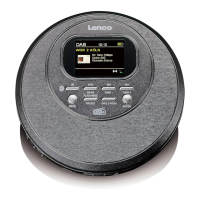
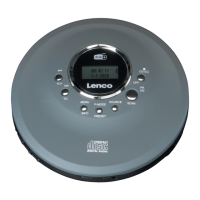
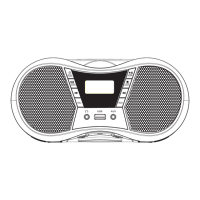
1. After power on, press the function selector button( ) to select CD
mode/USB mode. (LCD shown as " " " ")
2.1.CD mode: press to open the CD compartment door and place the disc
printing surface upward on the spindle of the CD movement. Then close the
CD compartment door. After 20 seconds the song will play automatically,
the LCD will display the serial number of your current song.
2.2.USB mode: insert the USB with MP3 format into the corresponding
USB socket and press the function switch button to the USB playback
mode, then you can play song after the machine detects the songs in the
USB.
3.Short press the Vol+ button ( )or Vol- button( )to adjust the
volume appropriately.
4.Press the play / pause button( )once to stop CD/USB playback.
5.PLAY/PAUSE:
1) When the CD is stopped, press the PLAY/PAUSE button ( ) to
play the CD, the screen will display the CD track "01" and the playback
symbol.
2) When the CD is playing, press PLAY/PAUSE button ( ) to pause,
the screen will flashing the playback symbol.
6.NEXT+
1) Short press NEXT+ ( ) button to skip to the next song for playback;
2) Press and hold the NEXT+ ( ) button for more than 2 seconds to
fast forward until the button is released.
7.PREVIOUS -
1) Short press the PREVIOUS - ( )button to skip to the previous song
for playback;
2) Long press the PREVIOUS - ( )button for more than 2 seconds to fast
rewind. Fast rewind until the beginning of the song, it will play automatically.
FUNC.
SCAN
CD
USB
SCAN
SCAN


 To Next Page