— 7 —
FM RADIO OPERATION
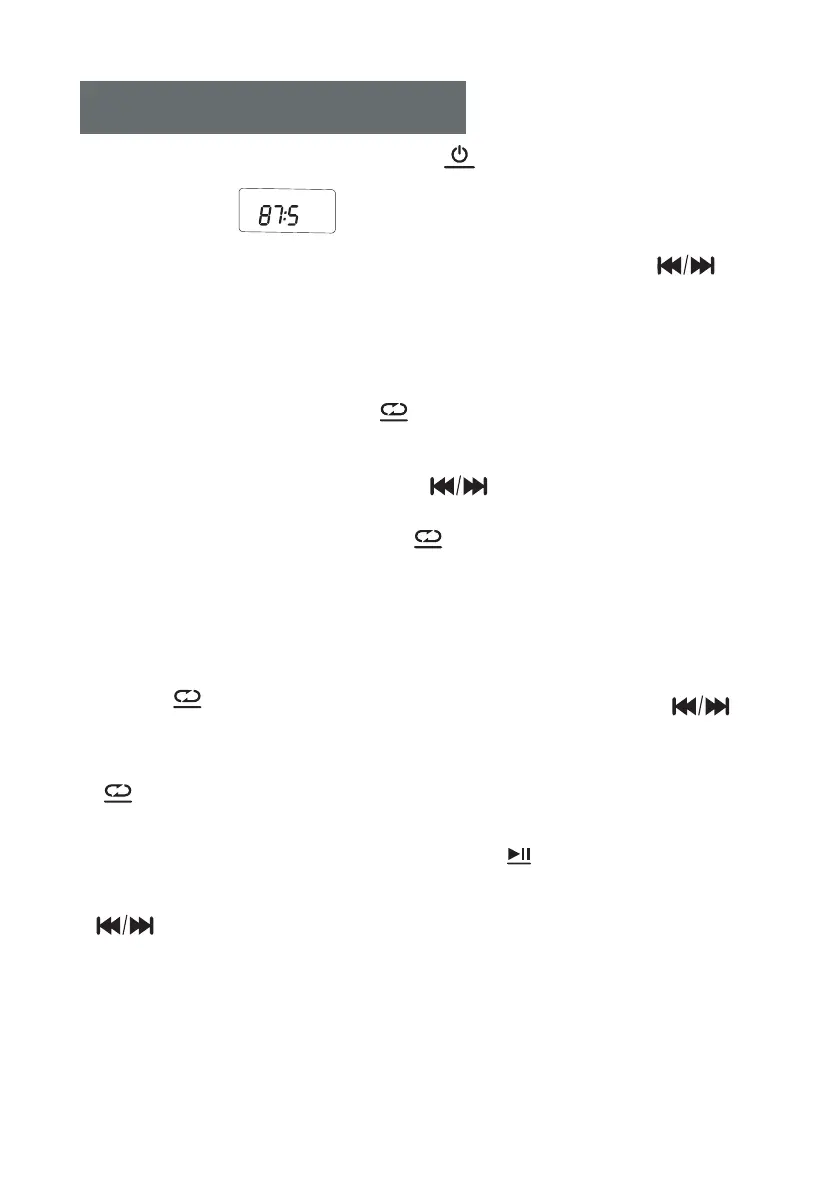
1. Short press the FUNCTION button ( ) to switch the FM mode .
(LCD shown as " ")
2.Searching Stations: Long press PREVIOUS-NEXT+ button ( )
to automatically search and stop the station; you can also short press
PREVIOUS-NEXT+ button to search stations manually.
3.Preset/Store radio stations:
1) Long press MODE button ( ), the LCD DISPLAY will show"P01
" and a "P" character will flashes.
2) Press PREVIOUS-NEXT+ button ( ) to select the track you want
to save the radio station. Total of 20 radio stations can be saved.
3) Short press the MODE button ( ) again to confirm the track you
preset.
4.Call out the preset/store radio stations:
1) To call out the preset/store radio stations, short press MODE
button ( ), then short press PREVIOUS-/NEXT+ button ( )
to select the serial number of saved station .
2) Once to confirm the serial number, short press MODE button
( ) again, then the preset radio station you stored will show up.
5. Auto Scan: Long press the SCAN button ( ) to automatically scan
and save the received stations. Then short press PREVIOUS-/NEXT+ button
( ) to select the serial number of saved station .
MODE
MODE
SCAN
FUNC.
MODE
MODE
MHZ
FM



 To Next Page