E14
USB Support Format
Parameter
Mode type
Supportive suffi x
MPEG-1
.
DAT/.MPG/.VOB
MPEG-2
.
DAT/.MPG/.VOB
MPEG-4
.
DAT/.MPG/.MP4
Music MP3
/
WMA
Photo JPEG
Text TXT text
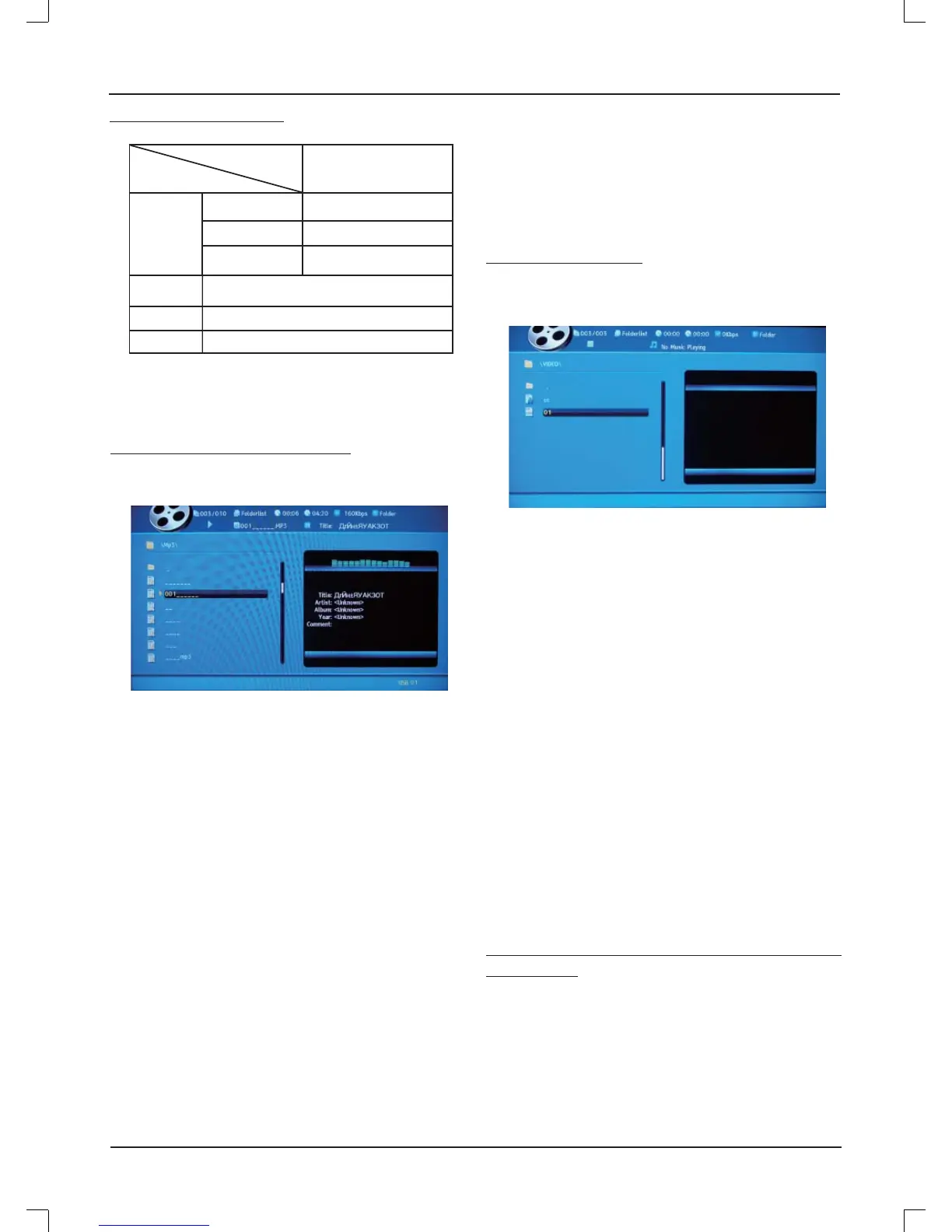
Directory/Music Player Mode
Enter the multimedia menu, and select Music player mode.
Press [ENTER] to open it.
ROOT: Return back to the parent directory. There is no
action if the current contents is root.
l
/ENTER: Play the current fi le/enter to current folder.
l
/
n
: Pause/stop the current playing music.
f
/
e
: Play the previous song/the next song of currently
playing music. Go to previous/next page of current directory
when there is no music playing.
d
: Set the fast-backward speed, it will stop to set the fast-
backward speed when the progress bar is at the last.
c
: Set the fast-forward speed, it will stop to set the fast-
forward speed when the progress bar is at the front-end.
GOTO, 0~9
: Jump to the current list of the first xxx entries
(fi les/folder) and act it.
xxx is the number which the user input.
Music playing, double-click [GOTO] button, and then input
the number could jump to the specifi ed time of current music.
REPEAT: Set the loop mode.
Folder: The player will stop after playing all the same type of
music fi le in the current list in sequential.
Shuffl e: The player will stop after playing all the same type of
music fi le in the current list out-of-order.
Random: It will play all the same type of music file of the
current list randomly.
Single: The player will stop after the current music file
fi nished.
Repeat: Repeat the order to play all the same type of music
fi le in the current list.
Video Player Mode
Enter the multimedia menu, and select Video player mode.
Press [ENTER] to open it.
ROOT/
n
: Stop the current playing and return to the directory
state.
l
: Suspend the current playing.
l
/ENTER: From any state to return to playing status.
d
/
c
/SLOW: Fast forward/rewind/slow the current player.
f
/
e
: Repeat the current approach to play the former/
latter video fi les of current playing list.
GOTO, 0~9
: Jump to the current list of the first xxx entries
(fi les/folder) and act it.
xxx is the number which the user input.
Double-click [GOTO] button, and then input the number
could jump to the specifi ed time of current video.
REPEAT/A-B/SOURCE: The function is the same as
directory/music player mode.
SUBTITLE: If the current video subtitles associated, press
this button to select different subtitles.
ASPECT: Enlarge and support the 2 times/4 times.
INFO: Switch the time music has been playing/remaining
time/show the clearance.
Photo Player Mode (Play music at the
same time)
Enter the multimedia menu, and select Photo player mode.
Press [ENTER] to open it.
A-B: Set A, B repeat point, repeat play the current file
content between A and B two points. Only the music player is
effective in the directory mode.
SOURCE: Switch to the other partition or source.
Video



 To Next Page