E15
l
/ENTER: From the suspension, etc. to return to the
playing state.
l
: Suspend the picture to refresh and maintain the current
image display.
p
/
o
: Show the current picture rotation.
b
/
a
: Show the current picture rotation.
n
: Enter the picture in the state of browser.
ROOT: Stop picture playing, return to the directory mode.
INFO: Switch the status bar tips.
f
/
e
: Repeat the current approach to play the former/after
a current list of picture fi le.
d
/
c
: Switch interval time of the picture replacement (5
seconds/10 seconds/20 seconds).
REPEAT/SOURCE: The function is the same as directory/
music player mode.
: Switch the way to enter when the picture is updated.
Text-reading Player Mode (Play music at
the same time)
Enter the multimedia menu, and select Text-reading player
mode. Press [ENTER] to open it.
n
/ROOT: Out of the text-reading, to return to catalog mode.
b
/
a
: Previous page/next page.
p
/
o
: Previous line/next line.
0~9: Jump to the page which user input.
Note: As the text-reading is shown in OSD mode, you
can't press other OSD under the state of the text-reading.
You should exit the text-reading before you operate other
function.
ABC
Note: This handling description is printed
prior to product development. When a part
of the product specifi cation must be chaged
to improve operability or other functions,
priority is given to the product specifi cation
itself.
PIP/POP Mode
Set the related settings of PIP (Picture-in-picture) or POP
(Picture-on-picture) mode.
PIP/POP Source Selection:
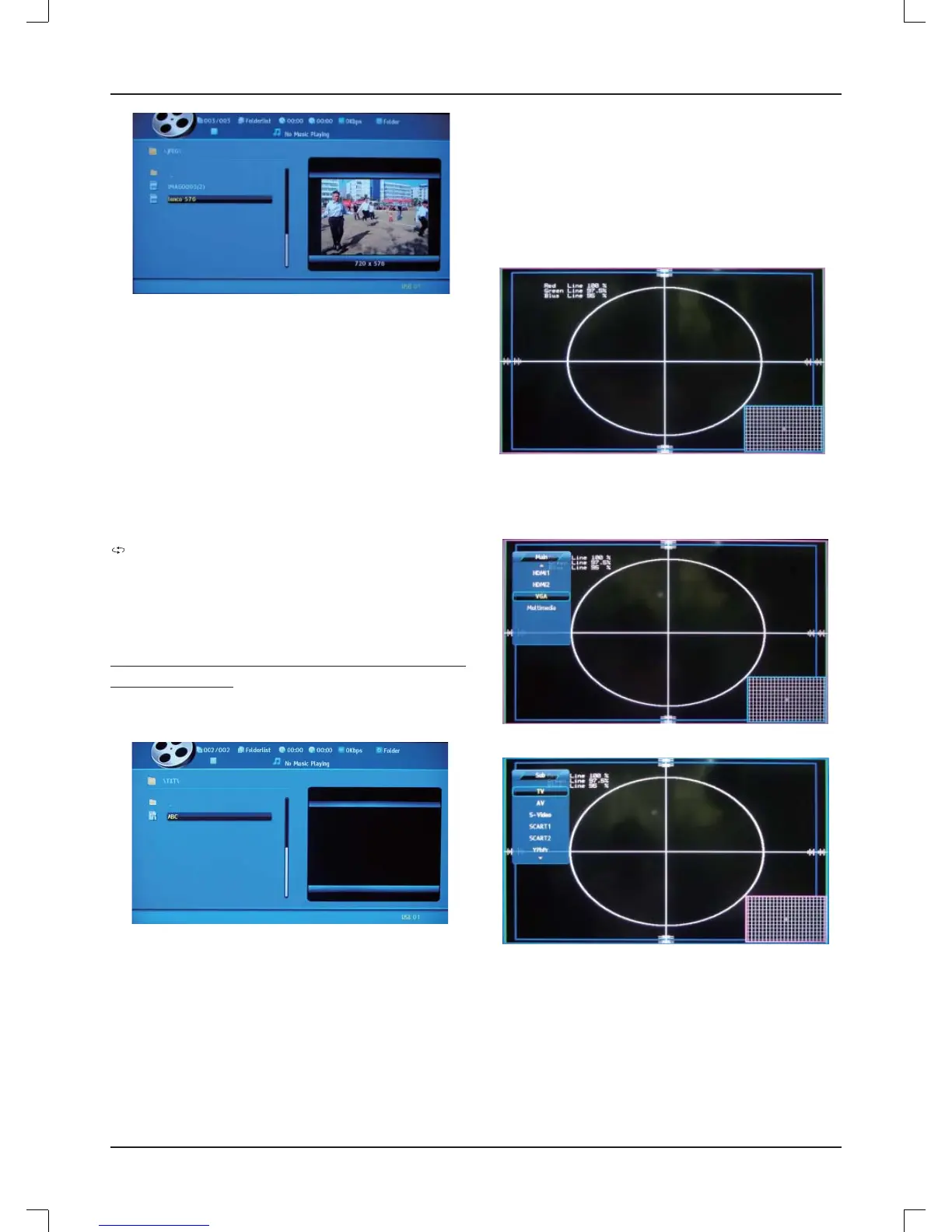
Press [PIP/POP], main menu and sub-menu appear at the
same time. The bigger screen is the main menu, and the
smaller one is sub-menu.
Press [
b
/
a
], the pink frame switches between main menu
and sub-menu, then press [SOURCE] to exchange the main
and sub source. Press [EXIT] to quit the menu screen.
Note: PIP/POP maybe not available under some mode. (See
the "PIP/POP source confi guration" below)



 To Next Page