- 19 -
MENU SETUP
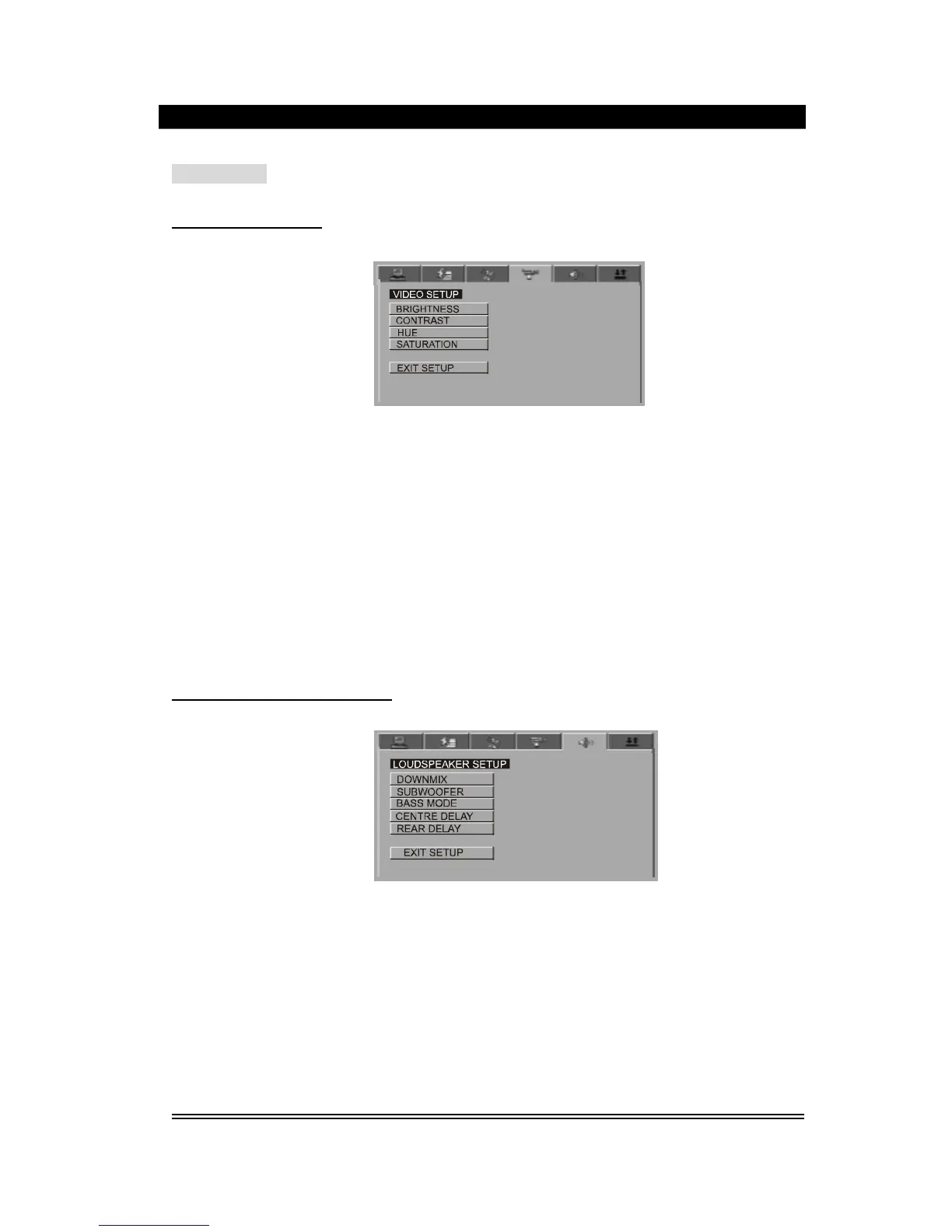
VIDEO SETUP PAGE
1).Bri
ghtness
this option is used to change the brightness of the screen, press the up / down direction
buttons to adjust the brightness, press left direction button to exit.
2). Contrast
this option is used to change the contrast of the screen, press up / down direction button to
adjust the contrast, press left direction button to exit.
3). Hue
this option is used to change the hue of the screen, press the up / down direction button to
adjust the hue, press left direction button to exit.
4). Saturation
this op
tion is used to change the saturation of the screen, press the up / down direction button
to adjust the saturation, press left direction button to exit.
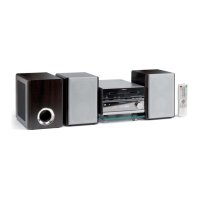
LOUDSPEAKER SETUP PAGE
1). Downmix
(1)
LT/RT: when your played disc has the prologic dolby
stereo
sound effect, select this option,
then the disc signal will be decoded by the decoding system inside the player to present the
real
-
to
-
life
effect
like a theatre.
(2)
Stereo: when use 5.1 CH output, the audio will output two channel signal: when use 2.0 CH
output, the audio will output common stereo signal.
(3)
VSS: Virtual Surrounding Sound, when the played disc recorded in 5.1 CH format, the main
loudspeaker
can output virtual surrounding sound effect.
(4)
5.1 CH: choose the option, this
uni
t enter 5.1 CH output mode. (Only for discs recorded in 5.1
CH format.


 To Next Page