ON OFF
POWER
VOL
VOL
POWER
ONOFF
DC 12V 0.5A
A V INPUT
~ 8 ~
5
6
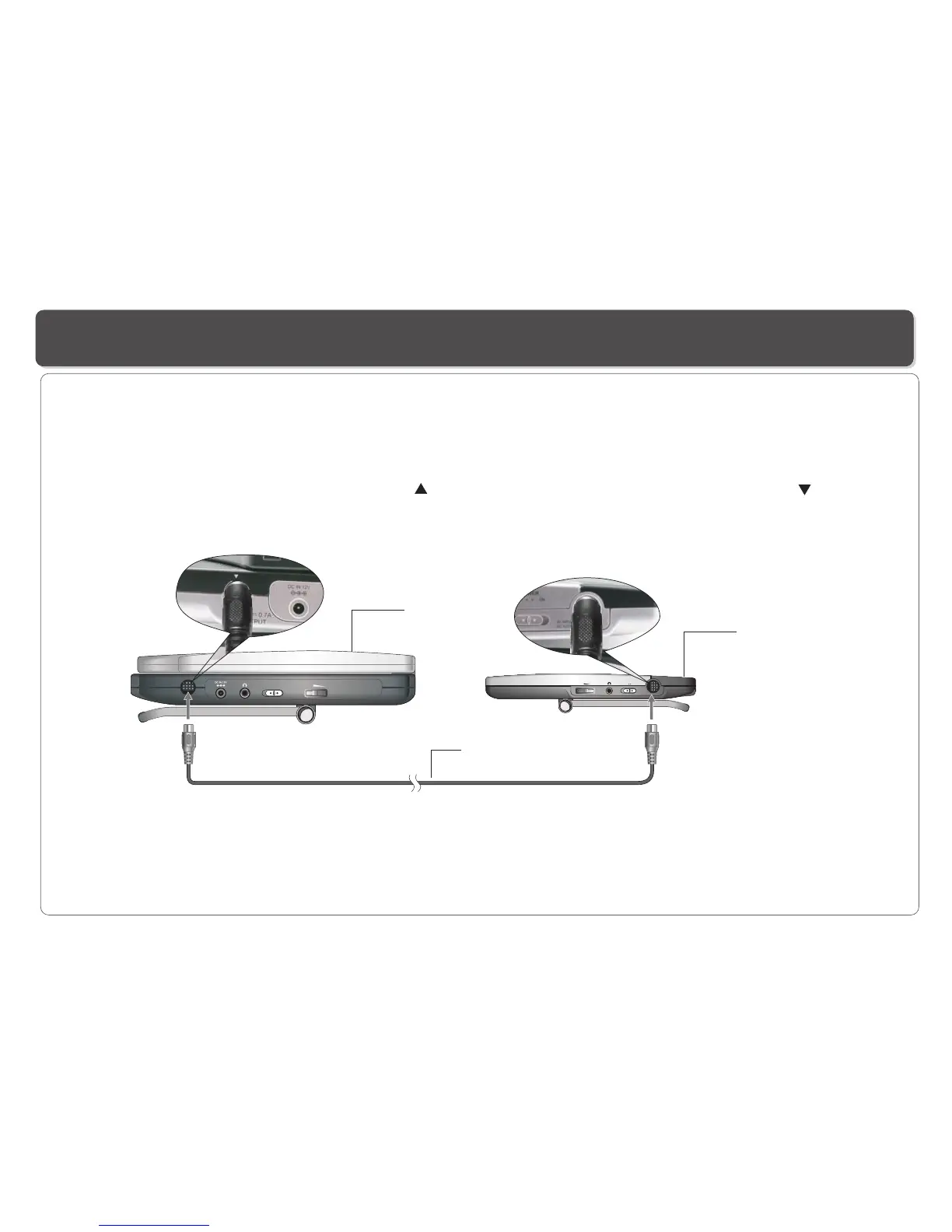
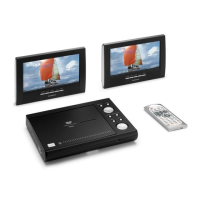
Connecting the LCD Screen to the Player
The power for the screens is provided by the DVD player through the provided cables which also provide the audio/video signal from
the player to the screen. Follow these steps to make the connection.
Warning!
1. Do not turn on the DVD player power until the connection of Power/AV cable between the Player and the screen is done.
2. Always turn off the DVD player power before disconnecting the Power/AV cable between the Player and the screen.
3. Connect the screen to the player using only the cable provided in this product, or you may risk damaging or causing fire if other cable
is used.
DVD Player
LCD Screen
Power/AV Cable(provided)
2. Care must be taken to make sure that the arrow mark ( ) on the connector of the cable aligns with the arrow mark ( ) on the
Player.
Do not force in when making the connection, or you may risk damaging the pins on the connectors.
1. Connect one end of the Power/AV cable (mini DIN) to the OUT on the Player and the other end to the DC. AV INPUT on the 2nd screen.


 To Next Page