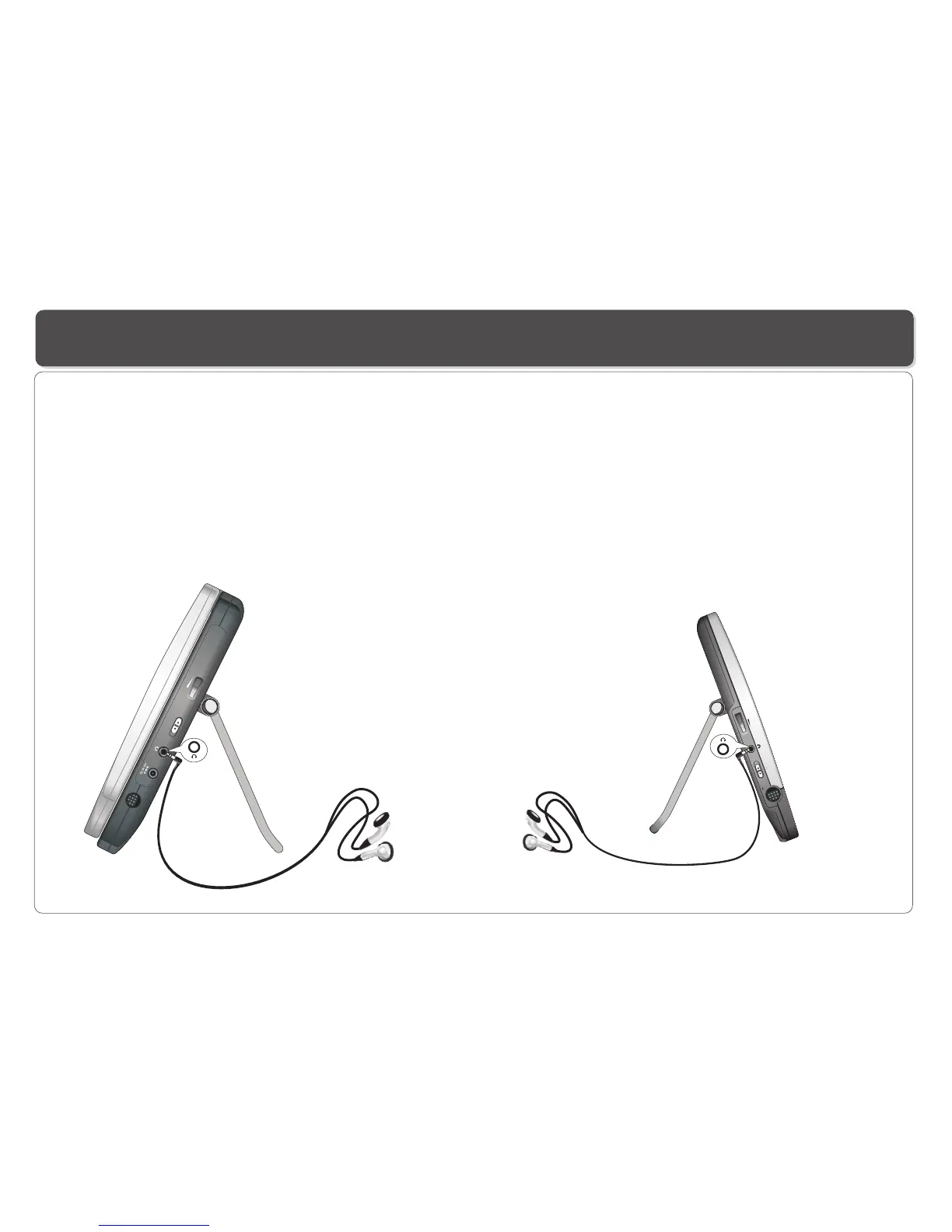
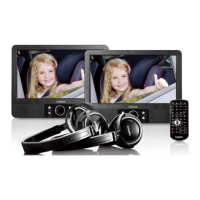
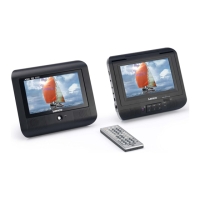
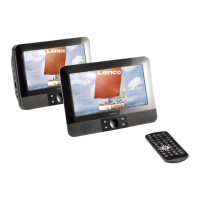
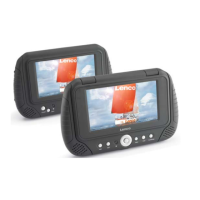
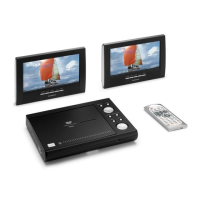
Connecting Earphones (Optional Accessory) to the Player and LCD screen
You can attach an earphone with a stereo mini-jack plug to the jack on the DVD Player or Earphone Jack on the 2nd
screen for private listening. The volume can be adjusted using VOL + and VOL - on the remote control or use the speaker VOLUME
on the Player and 2nd screen to adjust the volume .
NOTE: When the earphone is connected to the jack on the DVD Player or Earphone Jack on the LCD screen, the speaker
will be disconnected.
*Earphone is an optional accessory
earphone
earphone
dial
1. Connecting Earphones to the Player 2. Connecting Earphones to 2nd Screen
~ 9 ~
ON
OFF
POW
ER
VOL
VOL
POW
ER
ON
OF
F
DC 1
2V
0
.5A
A V I
NP
UT


 To Next Page