~ 13 ~
Playing a Disc
Preparation for Playback
Play
Press (on the remote control) or (on the Player) to
start play.
1. Make sure the unit has the power from the AC adaptor.
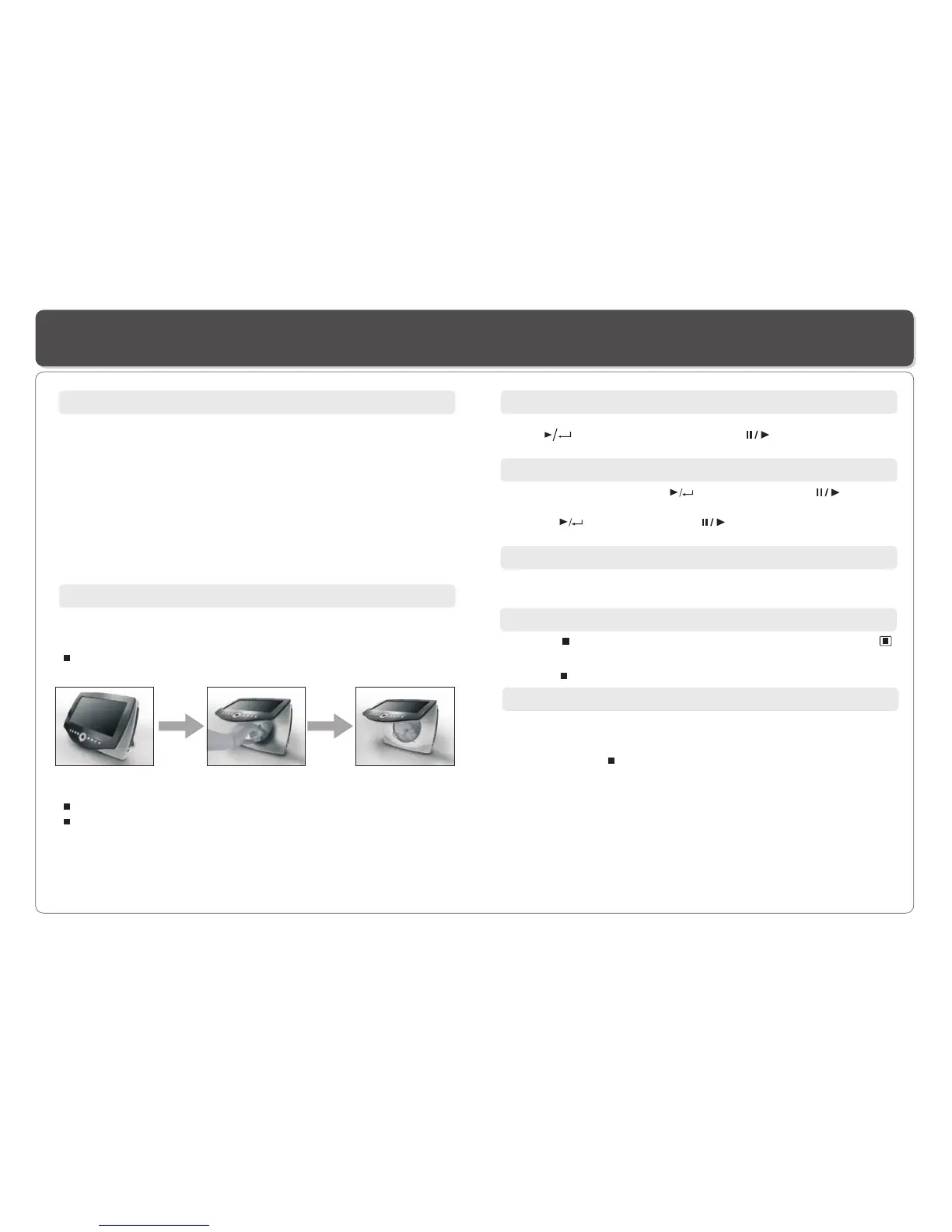
2. Loading a disc, follow these steps:
Lift the screen (disc compartment cover) on the Player to
access the disc compartment.
Place a disc into the tray with the label side facing up.
Close the disc cover.
3. Turn on the power of the Player .
Slide POWER to ON.
Adjusting volume
Press VOL+ or VOL- on the remote control or volume
on the Player to change volume.
Dial
Turning ON /OFF the player
1.To Turn On the Player
Slide POWER on the Player to ON, the LED lights and if
there is a disc in the disc compartment, playing will start
automatically.
2. To Turn Off the Player
Simply slide POWER to OFF.
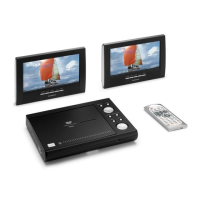
3. To Turn On the Second LCD Screen.
Slide POWER on the screen to ON.
4. To Turn Off the Second LCD Screen.
Simply slide POWER to OFF.
Resume
There are two ways to resume your playback when interrupted.
Method 1. -- for short time interruption
1. Press STOP ( ), the Player remembers where you stopped.
2. To resume, press PLAY, the Player will play from where you
stopped.
Method 2. -- for longer time interruption
1. Press OPEN to open the disc compartment door during playing.
2. You can turn off the power, and even remove the disc from the
Player, when you turn on the power and replace the disc, the
Player will play from where you stopped.
1. Enable the last memory in the setup menu.
1. Press on the remote to temporarily stop the playback, " "
appears on the screen.
2. Press again to stop the playback.
Stop
1. During playback, press (on the remote) or (on
the player) to pause.
2. Press (on the remote) or (on the player) to resume
playback.
Pause


 To Next Page