LISTENING TO CD
1. Press the MODE button , Turn the TUNING button backward or forward to select CD mode.
2. Open the CD door by pushing the OPEN/CLOSE button. Insert a disc with the label side
facing up. Close the CD door.
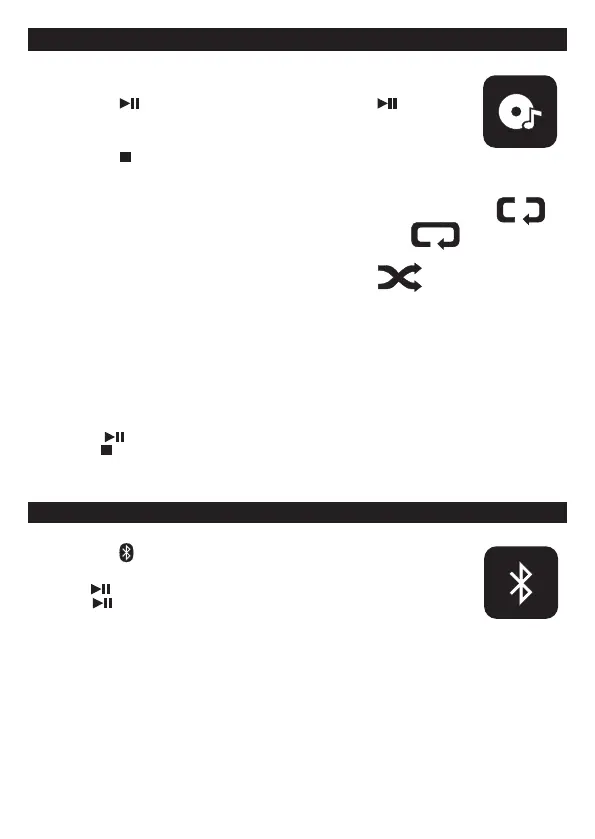
3. Short press the PLAY/PAUSE button to play the CD , press the PLAY/PAUSE
button again to resume playback .
4. Then turn the TUNING button backward or forward to select desired track.
Then normal CD playback will resume from this track.
5. Short press the STOP button to stop CD playing.
REPEAT PLAYBACK
This function allows a single track or all tracks on a disc to be played repeatedly.
1. Press the REPEAT button once during playback to repeat the same track. The display show
2. Press the REPEAT button twice to repeat the whole disc.The display show
3. Press the REPEAT button to turn on random play. The display show
4. Press the REPEAT button again to
cancel repeat and random play.
1
GB 5
PROGRAM PLAYBACK
Programmed playback enables tracks on a disc to be played in the desired order.
Up to 20 tracks can be programmed.
1. Press the PRESET button, the display show " P01..."
2. Turn the TUNING button backward or forward to select the desired track number.
3. Press the PRESET button again to memorize the track.
4. Repeat steps 2 and 3 until all desired tracks are programmed.
5. Press the PLAY/PAUSE button to start.
6. Press the STOP button to stop programmed playback.
7. Open the CD door, turn o the CD player or press the STOP button twice to clear the programmed memory.
Note : Programming can only be made when the player is in CD stop mode.
BLUETOOTH OPERATION
- Next time you switch on the unit, the device connects to the last paried device automatically.
- The music streaming may be interrupted by obstacles between the device and the unit, such as walls, or
other devices nearby that operate in the same frequency.
1. Press the MODE button, turn the TUNING button backward or forward to select BLUETOOTH mode.
2. Press the PAIR button and search for LENCO SCD-860.
3. Paring the Name with mobile phone Bluetooth. Click to connect.
4. Press the PLAY/PAUSE button to play the song.
Press the PLAY/PAUSE button to disconnect the current connection.
Re-search for a new device.


 To Next Page