13
OSDLanguage
SelectanOSDlanguage.
AudioLanguage
SelectthepreferredaudiolanguageforwatchingTVchannels.Ifthelanguageisnotavailable,thedefault
programlanguagewillbeused.
SubtitleLanguage
Selectthepreferredsubtitlelanguage.
DigitalAudio
SetthedesiredaudioformatattheHDMIslot:PCM,RawHDIMOn,RawHDMIOff,Off(ifavailable).
SystemSetting
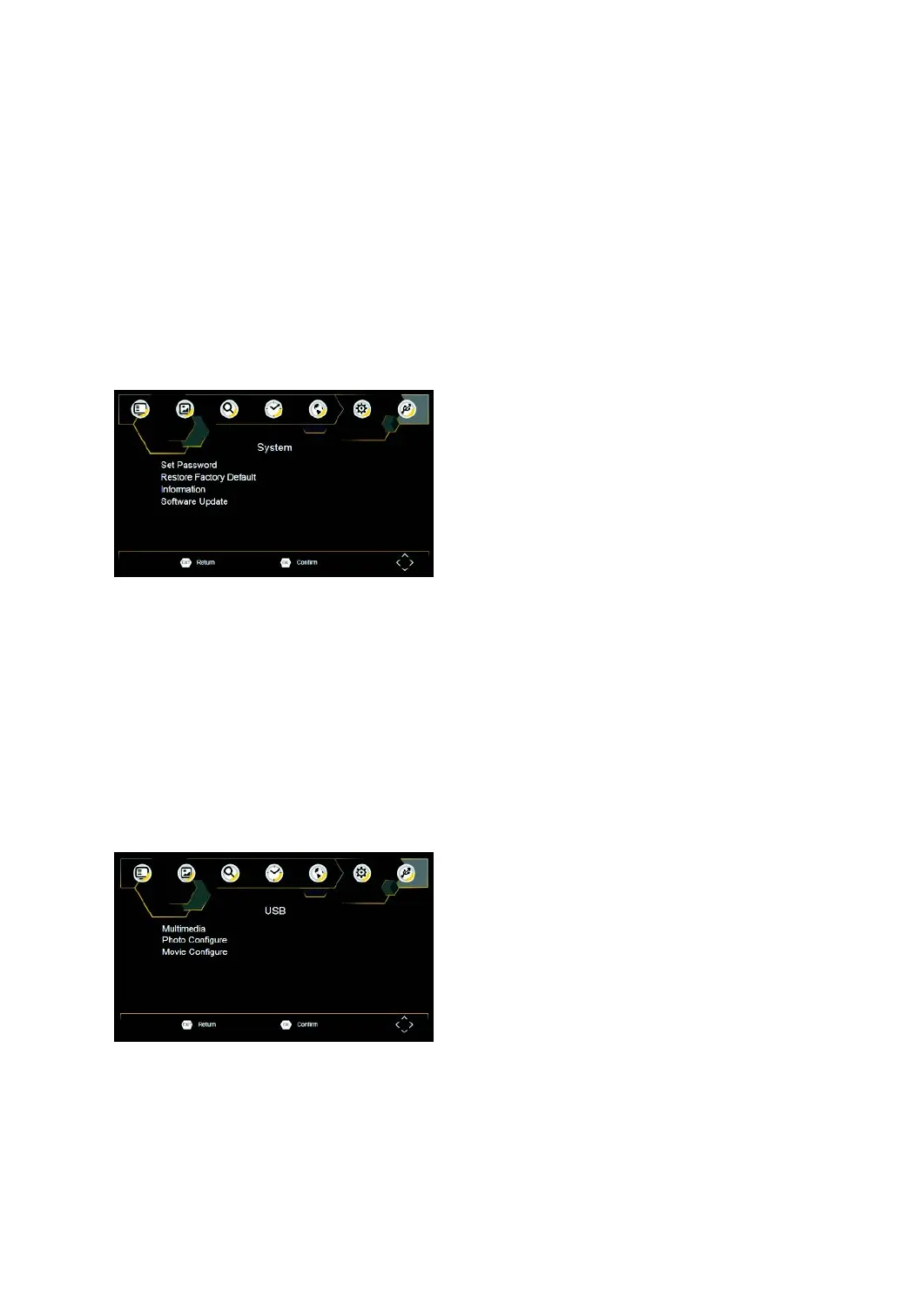
ToaccesstheMenu,pressSETUPandselect[System].Themenuprovidesoptionstoadjustthesystemsettings.
PresstheUP/DOWNkeytoselectanoptionandpressRIGHT/LEFTtoadjustthesetting.PressEXITtoexitthe
Menu.
SetPassword
SetorchangethepasswordforLockedprograms.EnteryouroldPasswordorthedefaultpassword'000000'.You
willthenbeaskedtoenteryournewpassword.Toconfirmre‐enteryournewpassword.Onceitisconfirmed,
pressEXITtoexittheMenu.
Masterpassword'888888'
RestoreFactoryDefault
ResetyourSetTopBoxtotheDefaultFactorySettings.InMainMenuselect[RestoreFactoryDefault]andpress
OKorRIGHTtoselect.Enteryourpasswordorthedefaultpassword'000000'andpressOKtoconfirm.This
optionwilldeleteallpresetchannelsandsettings.
Information
Viewmodel,hardwareandsoftwareinformation.
Softwareupdate
Softwareupdate
USB
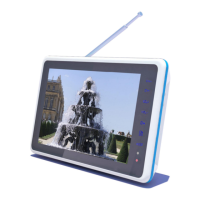
ToaccesstheMenu,presstheSETUPbuttonandselectUSB.
Multimedia
SwitchtoUSBmodeandpluginUSBtoviewfiles.
PhotoConfigure
Settheparametersforviewingphotographs.
MovieConfigure
Settheparametersfordisplayingmoviesubtitles.



 To Next Page