LNL-2010W/2020W/2020W-NDK/NDKV2 Magnetic Card Access Reader
482 —
revision 7
100.2 DIP Switch/Jumper Setting
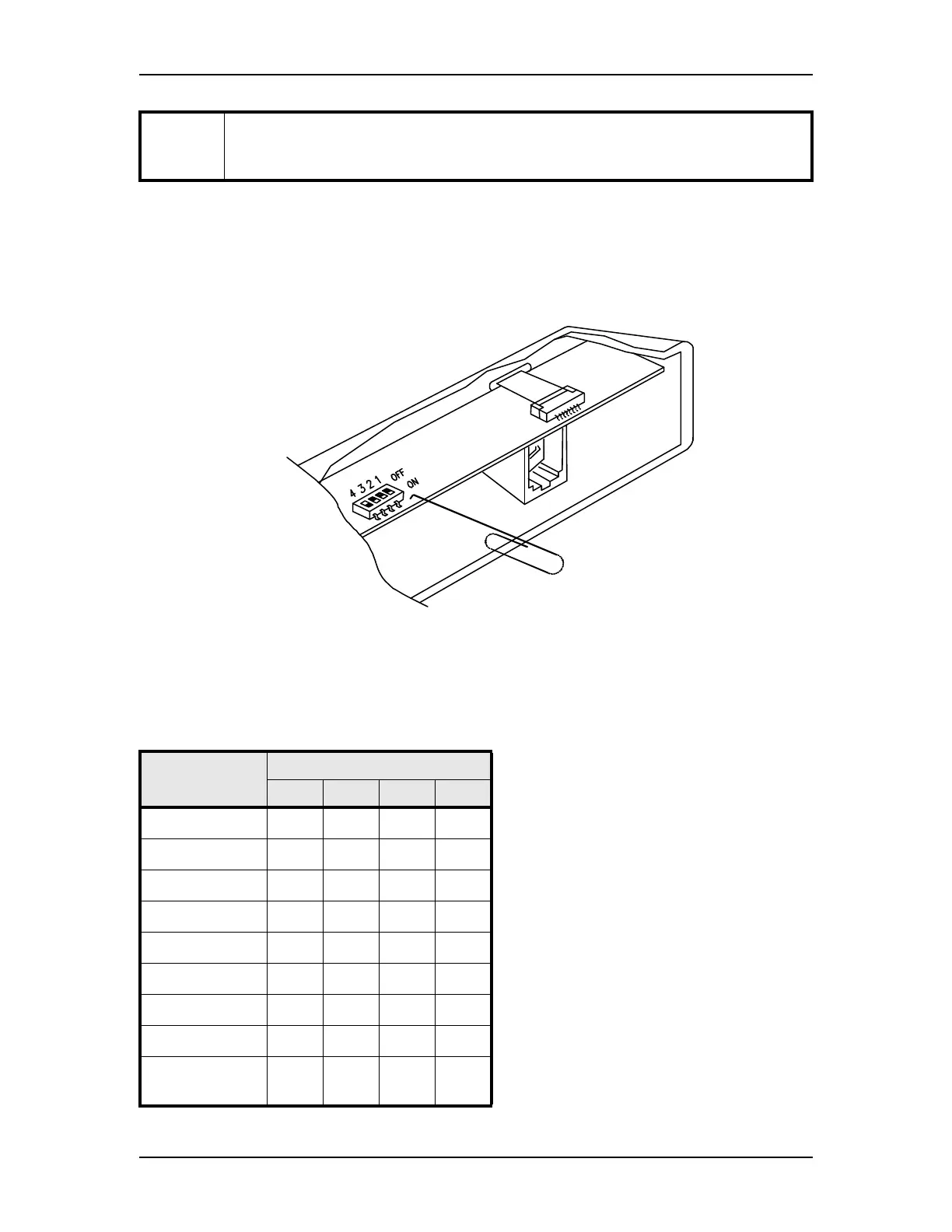
All readers are equipped with DIP switches for configuration/parameter setting. DIP switches are set by
moving the slide to on/off position using a small tool (may be made from a paper clip). Remove the top
mounting bracket to access the DIP switches.
The DIP switches/jumpers on the LNL-2010/2020 reader are used to select a preset format. This preset
format determines how the card is interpreted, the functions for the LED and buzzer, and the output signal
format, etc. Refer to format specification for details.
Format T
(factory test) magnetic data output: verify track 2 data and send track 2 data without
formatting using clock data signaling. Zero trim, reverse read, bad card filter, and tamper
monitor option are enabled.
Switch/Jumper Position
FORMAT DIP SWITCH
4 3 2 1
format 0 ONONONON
format 1 ONONONoff
format 2 ONONoff ON
format 3 ONONoff off
format 4 ON off ON ON
format 5 ON off ON off
format 6 ON off off ON
format 7 ON off off off
format T (factory
reserved)
off off off off



 To Next Page