7
Table 7. Conventional Terminals
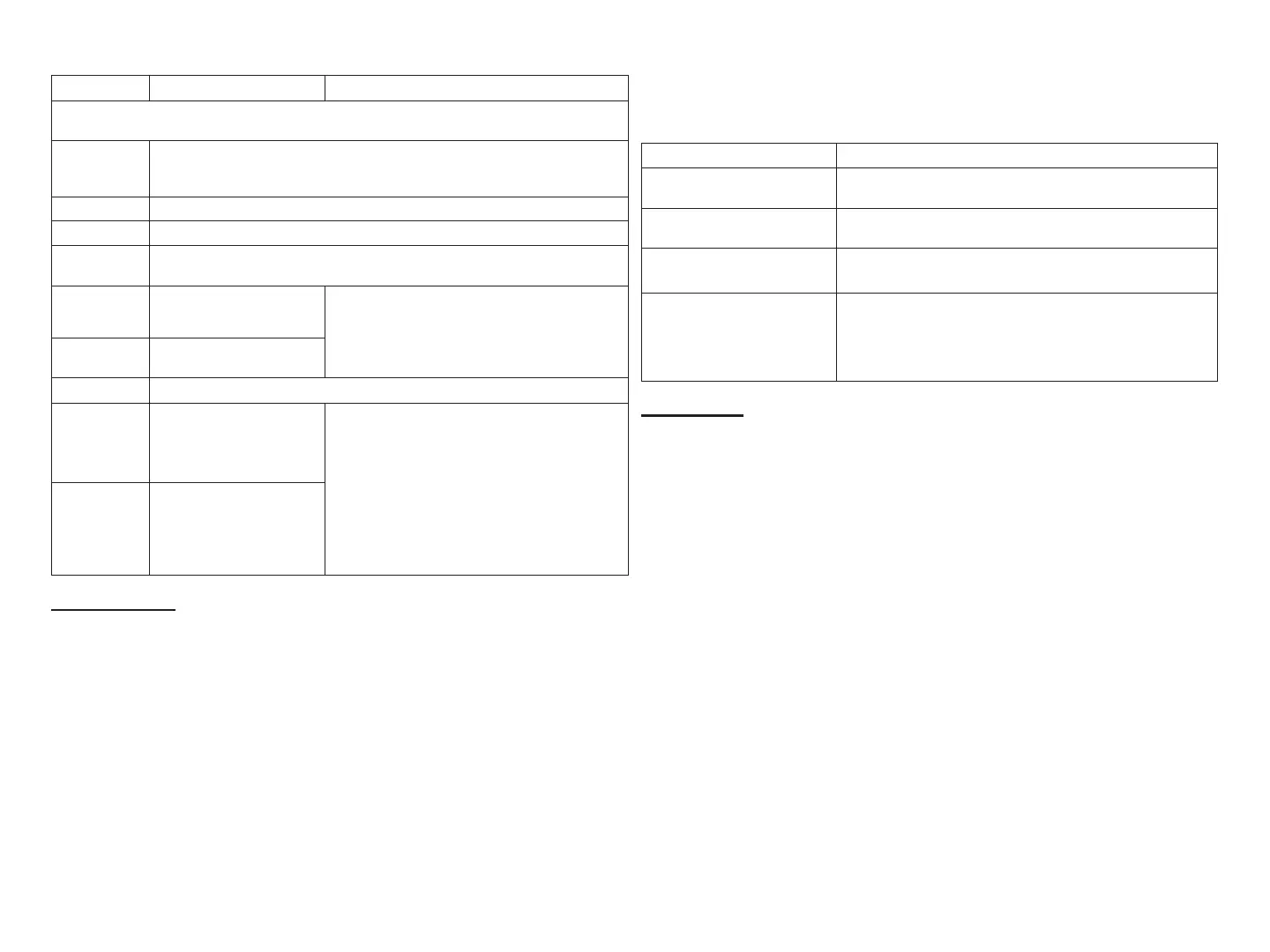
Label Description Function
18AWG unshielded thermostat cable (eld-provided) for
all non-communicating connections
G
Indoor blower control (continuous fan) (monitoring only). G input may be
connected to IAQ devices such as LVCS, HRV or ERV to turn the indoor
blower on and o.
Y2 2nd - stage compressor output
Y1 1st - stage compressor output
DS
24VAC dehumidication signal output. The DS terminal is powered when
there is not a dehumidication call.
C
Class II, 24VAC
transformer common
R and C terminals are used to receive power
from the indoor unit and capable of provid ing
the power to the EIM and all the associated
loads. The R power input uses a 3A fuse
(Lennox part number 25J4901.
R
Class II. 24VAC
transformer power
H 24VAC humidier signal output
O
Heat pump reversing
valve (24VAC = cool)
Used as reversing valve output for heat
pumps. The EIM uses a single-pole dual
throw relay to generate O and B signals.
Normally the O output is open and B output
at 24VAC during heating calls. During cooling
calls O is 24VAC and B open. With relay de-
energized 24VAC is present on O terminal.
When power o/ or control reset, 24VAC
power shall not be present on the O
terminal.
B
Heat pump reversing
valve (24 VAC = heat)
LED Indicators
This control has two green LED to indicate status and communication
activity One LED is labeled Status and the other is labeled RSBUS.
RSBUS LED
The RSBus LED ashes when information is being communicated over
the RSBus.
Status LED
The following table lists all status LED information.
Table 8. Status LED (Green)
Green LED Function / Description
Steady On
Remains steady ON until the device sends its start-up
message.
Blinks 3 second OFF and 1
second ON
Soft disable state
Blinks 2 second ON and 2
second OFF
Service is being provided (W, Y or G relay is ON, or G
input ON
Blinks 1 second ON and 1
second OFF
When alarms are present, you may review alarm(s) listed
either on the homeowner notication screen or the menu
/ settings > advanced settings > dealer control center
> notications screen. Information will be listed in either
location on how to clear the alert code(s).
Soft Disable
Soft disabling is when the Lennox communicating thermostat detects
an unknown control such as a indoor or outdoor unit control, iHarmony
®
zoning system or Equipment Interface Module (EIM) on the system
communication bus. The thermostat sends the unknown control a
message to go into soft disable mode until component is properly
congured.
The Lennox communicating thermostat will not display any code for a
soft disabled control. When soft disabling occurs only the control that has
been disabled will display the blinking LED status. In this case, the control
blinks three seconds OFF and one second ON.
Use the following procedure if the equipment interface module is
displaying the soft disable code.
1. Conrm proper wiring between all devices such as thermostat, EIM,
indoor and outdoor unit).
2. Cycle power to the control that is displaying the soft disable code.
3. Touch the Lennox icon on the thermostat home screen and hold until
the installer warning screen appears.
4. Touch yes to continue.
5. Touch Setup and then conrm to continue.


 To Next Page