Page 16
XP21
101796-XX Component Field
Configuration and Troubleshooting
FAN MOTOR CONTROL (A177)
This section provides procedures for testing the fan con
trol.
FAN MOTOR CONTROL LED CODES, JUMPER SET
TINGS AND SEQUENCE OF OPERATION
During start up, the LED:
1. Display error conditions (see table 7), if present
2. If no errors are detected, then the LED code indicating
stage operation (see table 8) will display the applicable
code and then a long pause.
3. The fan motor speed / revolutions per minute (RPM) in
dicator is displayed next (see table 9).
4. After the RPM indicator is displayed, there is a short
pause. The sequence repeats if a thermostat demand
is still present. See figure 4 for LED sequence. See
table 8 for description of flash and pause durations.
FAN MOTOR CONTROL TROUBLESHOOTING
Use the following subsections to verify and test the fan mo
tor control (A177).
Verifying Jumper Settings (J2)
The unit is shipped from the factory with the default fan mo
tor speed setting (in RPMs) required for each specific
model. Use table 9 to verify that jumpers are set correctly
for the specific size unit.
Verifying LED Status Codes
During start up, the fan motor control LED will dis
play any error conditions. If error conditions exist
then no other codes will display. If no error condi
tions are present, then the stage status and and RPM
indicator are displayed. Two-stage units have various
fan motor speed operations available (see table 9).
Verifying Correct DC Output Voltage (J2)
The following three methods can be used to determine
whether the fan motor (B4) is operating at the correct
RPMs based on unit size.
1. Use the information provided in table 9 to verify that all
four jumper terminals are set correctly for the specific
unit.
2. Verify that the fan motor speed / RPM indicator is dis
playing the correct flash sequence for the specific unit
(see table table 9).
3. Test DC voltage output on the fan motor control's J2
terminals (see figure 5) while under full load. The actu
al voltage tested should match the voltage listed in
table 9 for the specific unit.
4. If no voltage is detected at the J2 terminals, verify there
is a Y1 demand at the thermostat.
If there is a demand, proceed to the next section for further
testing.
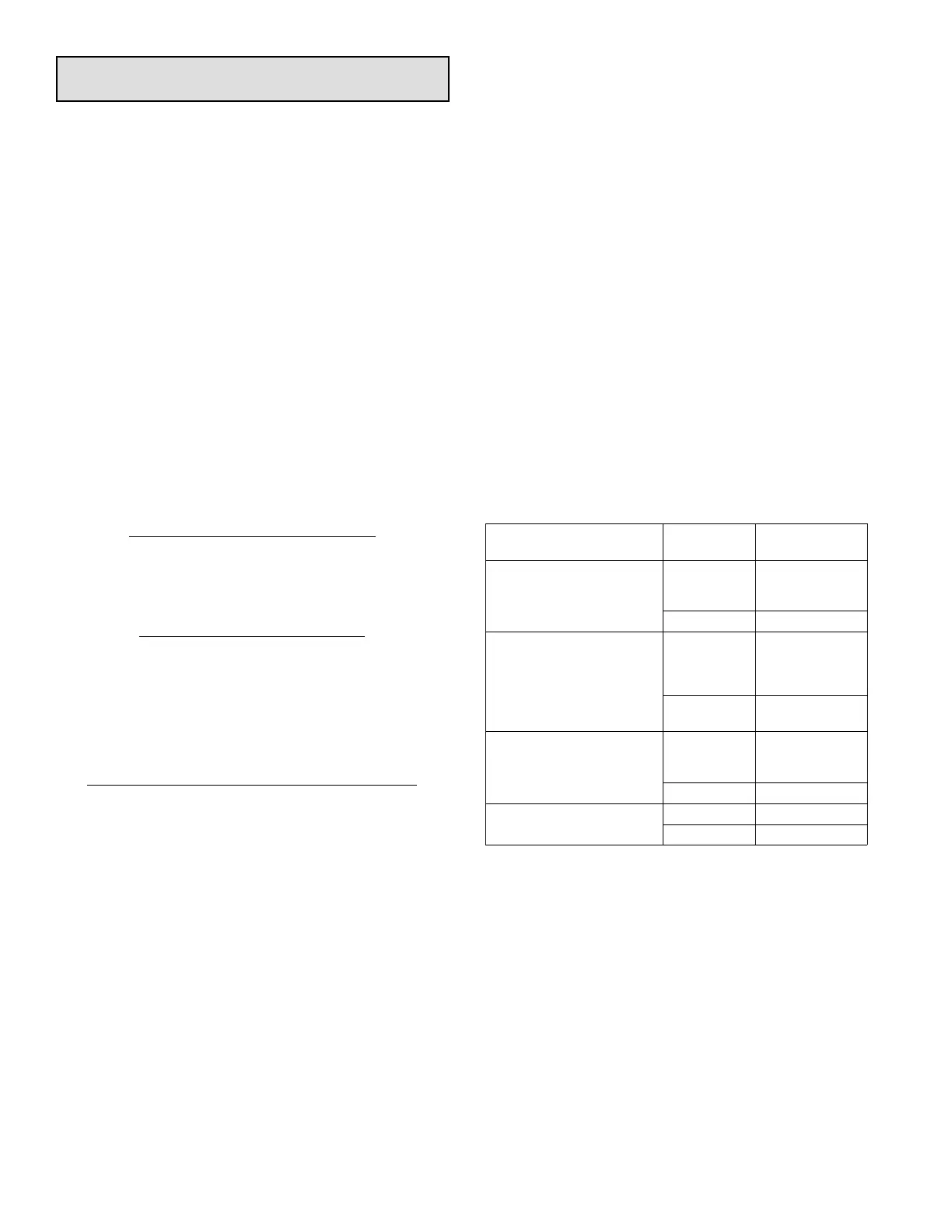
VERIFYING CORRECT INPUT VOLTAGE (ECM/Y1,
ECM/Y2, ECM C AND EXT ECM/R)
Use a voltmeter to check voltages on the following fan mo
tor control inputs, using either table 5. Voltage will only be
present during a thermostat demand. See figure 6 for test
example.
If correct voltages are detected at the applicable inputs dur
ing a demand, and no voltage is present at the J2 terminals,
then the fan motor control (A177) should be replaced.
Table 5. Fan Motor Control Voltage Inputs
Input
Thermostat
Demand
Voltage
Present
ECM/Y1 and ECM C
(Low Stage)
YES
Between
24VDC and 32
VDC
NO NONE
ECM/Y1 - ECM/Y2 and
ECM C
(High Stage)
YES
Between
24VDC and 32
VDC at each
input
NO
NONE at each
input
ECM/Y2 and ECM C
(EDA Operation)
YES
Between
24VDC and 32
VDC
NO NONE
EXT ECM/R and ECM C
YES 24VAC
NO NONE


 To Next Page
 Loading...