Installingthekeyboard
Toinstallthekeyboard,dothefollowing:
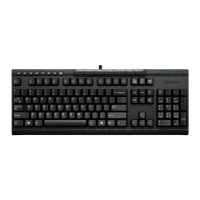
1.Adjustthetiltfeettosetthekeyboardnearyourcomputertoyourpreference.
2.ConnectthekeyboardcabletoanavailableUSBconnectoronyourcomputer.Thekeyboardwillbe
readyforuseafteritisidentiedbytheoperatingsystem.
Figure4.ConnectingthekeyboardcabletoaUSBconnector
Note:Routethekeyboardcableintothecableslotifnecessary.
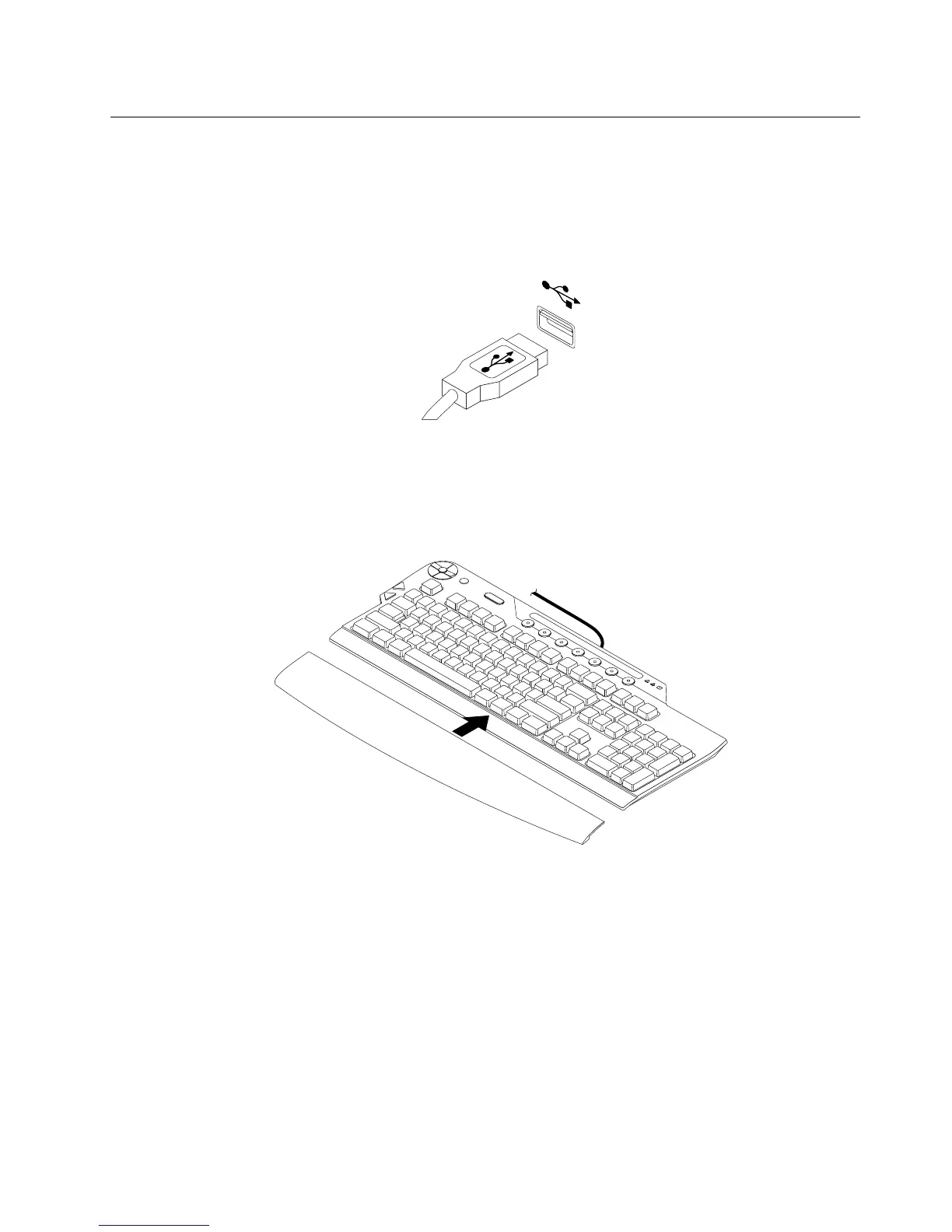
3.Connectthepalmresttothekeyboardifnecessary.
Figure5.Connectingthepalmresttothekeyboard
Chapter2.Installingthekeyboard9


 To Next Page
 Loading...