Chapter 3. Starting to use Windows 8
21
Share charm
The Share charm lets you send links, photos, and more to your friends and
social networks without leaving the app you are in.
Start charm
The Start charm is a fast way to go to the Start screen.
Devices charm
The Devices charm allows you to connect or send files to any external
devices, including digital cameras, TVs, or printers.
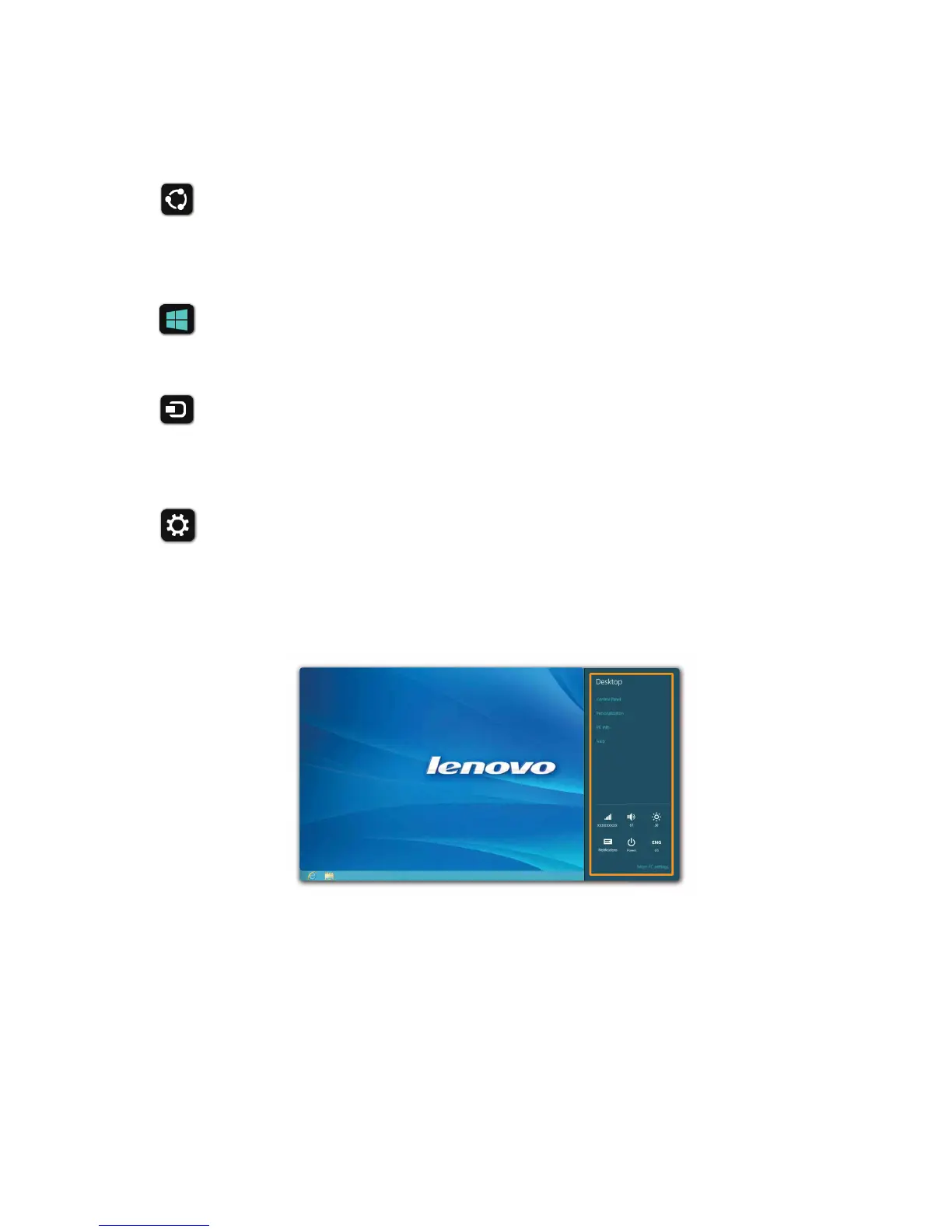
Settings charm
The Settings charm lets you perform basic tasks, such as setting the volume
or shutting down the computer. Also, you can get to the Control Panel
through the Settings charm when on the Desktop screen.




 To Next Page