24
Chapter 3. Starting to use Windows 8
Help and support
- - - - - - - - - - - - - - - - - - - - - - - - - - - - - - - - - - - - - - - - - - - - - - - - - - - - - - - - - - - - - - - - - - - - - - - - - - - -
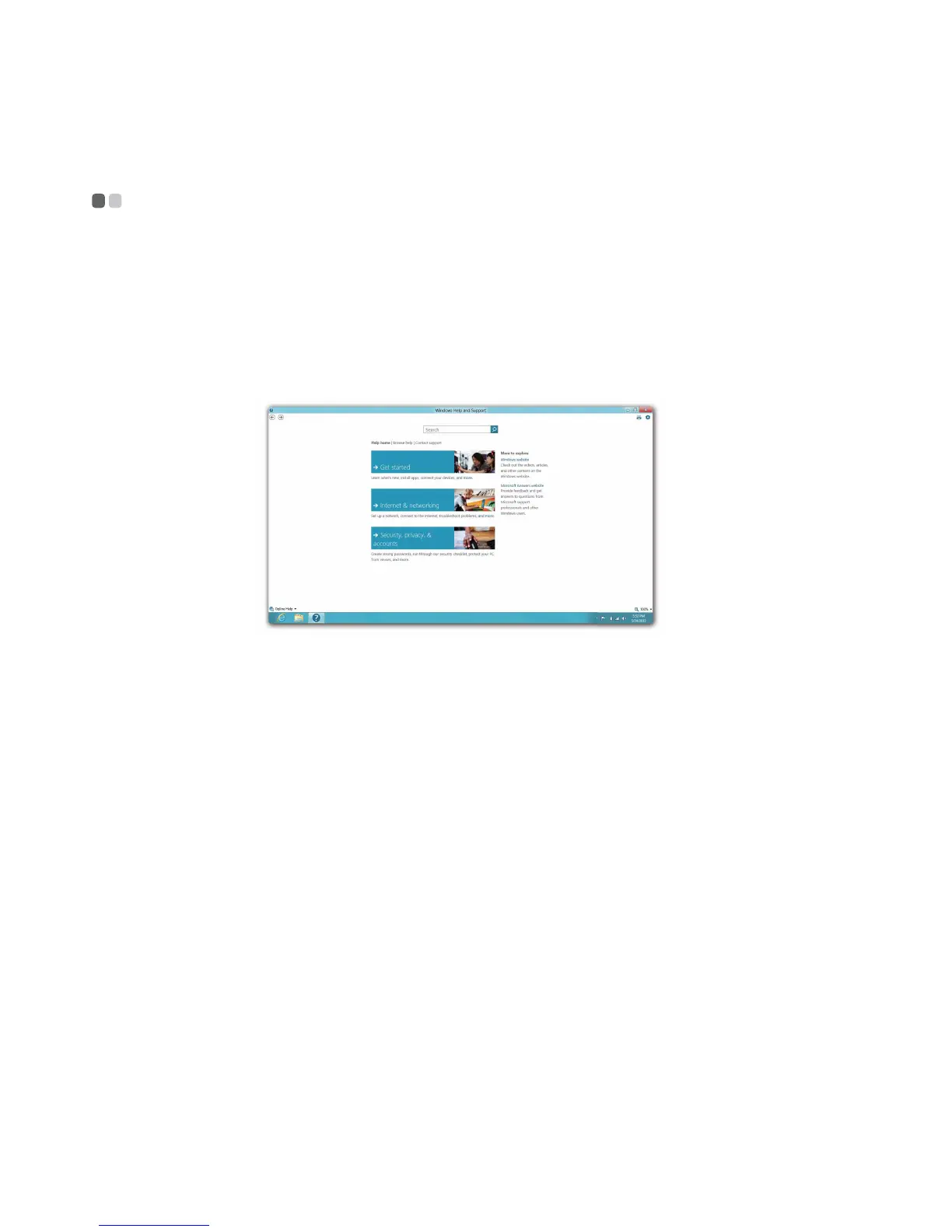
If you have problem about the operating system, see the Windows Help and
Support file. To open the Windows Help and Support file, do one of the
following:
• Select Settings charm, then select Help.
• Press Windows key + F1.
You can read the Windows Help and Support file on your computer. You can
also get online help and support by clicking on one of the two links listed
under More to explore.






 To Next Page