Learn the basics
Voice to text
On a keyboard, tap , then speak your message or search text. You can also speak
punctuation.
The Google Assistant™ Go
Note: This feature may not be available in all languages.
To open the Google Assistant Go:
» Press the Google Assistant button, then speak a command.
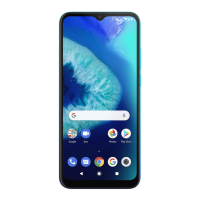
» Tap Assistant from the home screen or from your list of apps.
» Swipe up from the bottom corner of the screen, then speak or type a command.
Note: You can also say “Hey Google” or “Ok Google” to start the Google Assistant Go.
To turn this feature on, swipe up and tap
Settings > Apps & notifications > Default
apps > Assist app.
Tip: For more on the Google Assistant Go, visit https://support.google.com/assistant.
Gestures
Explore special gestures designed to save you time and make your day easier.
Find it: Swipe up and tap
Settings > System > Gestures
» Swipe fingerprint for notifications: Swipe down on the fingerprint sensor to check
your notifications.
» Jump to camera: Press the Power button twice to quickly open the main camera.
» System navigation: Navigate using either gestures or buttons at the bottom of the
screen. For more, see System navigation.
» Prevent ringing: Press the Power and Volume Up buttons at the same time to switch
incoming calls to vibrate or mute.
» Lift to check phone: Pick up your phone to check time, notifications and other info.
» Three-finger screenshot: Touch the screen with three fingers to take a screenshot.
» Fast flashlight: Turn the flashlight on/o with two chopping motions.
Direct Share
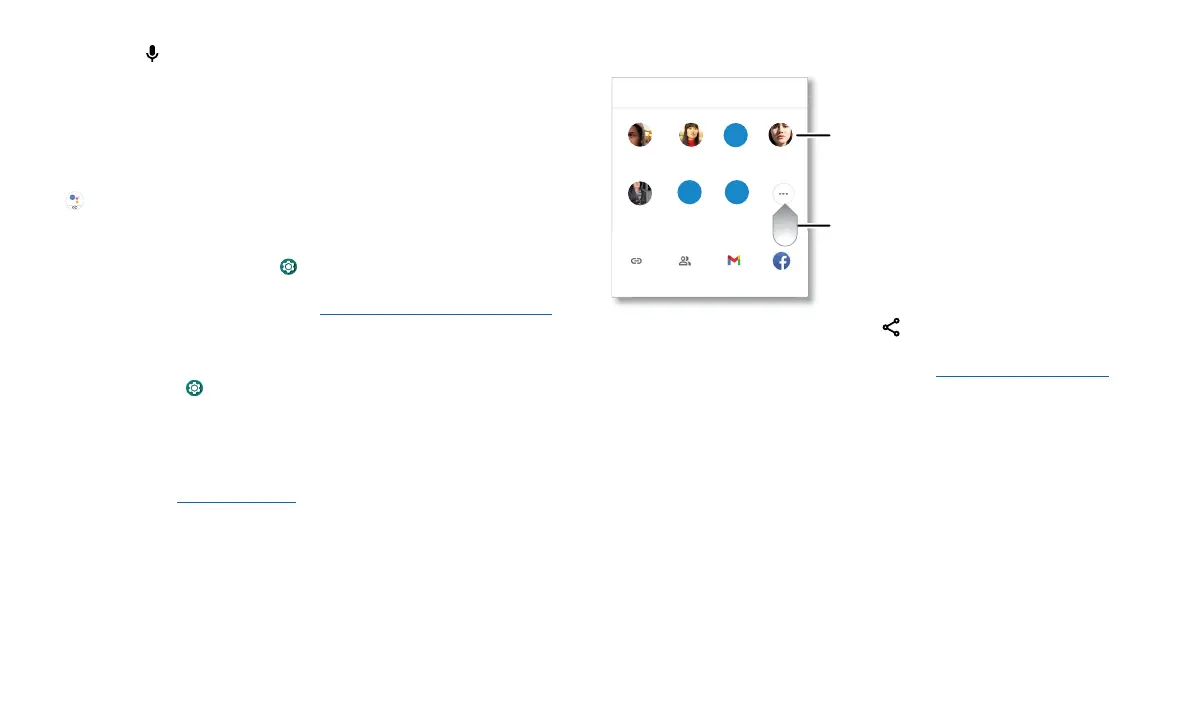
In some apps, you can share something directly to a contact, app, or conversation.
Abe
Allie
Anna MedinaKevin Astrid Fanning
TO Type a name, phone number, or email
K
Michael
M
Nathan More
N
Create link Shared
album
Gmail Messages
Swipe up for more
share options.
Tap a contact to
share information.
Select the share option (usually by tapping ) within an app, then select a contact,
choose an app, or type a name or number to find a contact.
To use Bluetooth or Nearby Share to share files, see Connect, share, pay & sync.



 To Next Page