Basics
• Allpicturesandillustrationsinthisdocumentareforreferenceonly.
• TheGoogleHomeappsupportsbothAndroidandiOSsystems.Thisdocument
usestheAndroidsystemasanillustrativeexample.
• BecausetheGoogleHomeappwillregularlybeupdated,refertothelatest
versionfortheactualprocedureandscreenshots.
Beforeusingthisinformationandtheproductitsupports,besuretoreadthefollowing:
• Safety,Warranty&QuickStartGuide
• RegulatoryNotice
• ImportantsafetyandhandlinginformationinAppendix
TheSafety,Warranty&QuickStartGuideandtheRegulatoryNoticeareavailableat:
http://support.lenovo.com
Getting started
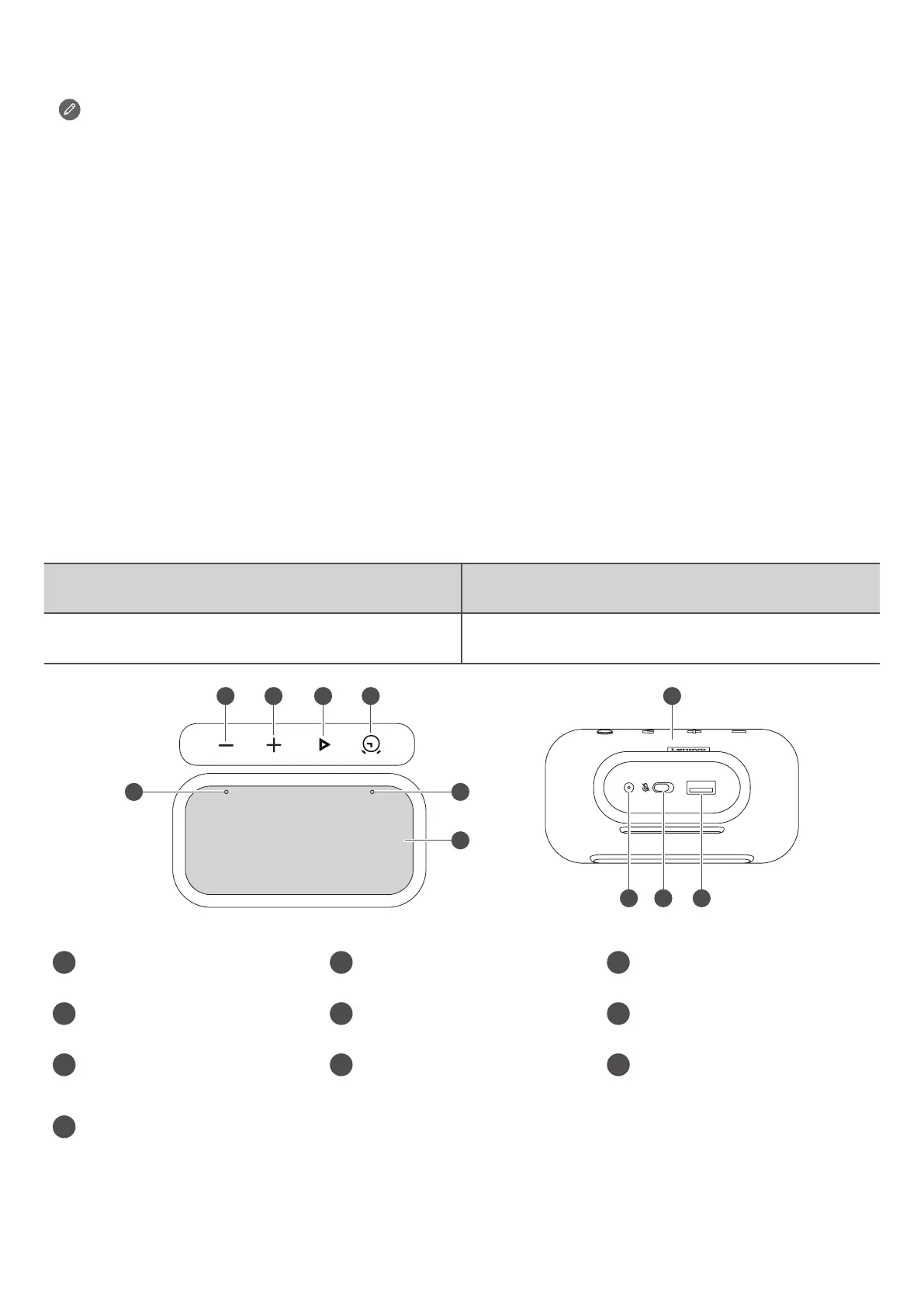
Overview
Name Model
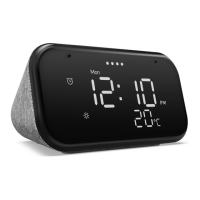
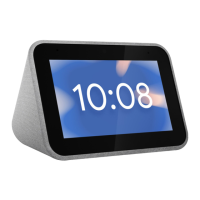
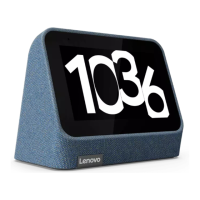
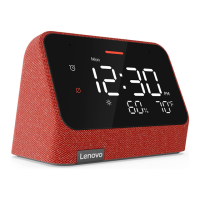
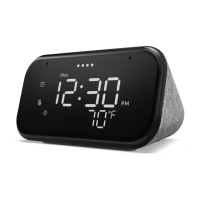
LenovoSmartClockEssential LenovoCD-4N341Y
6
11
1 Microphones 2
Volumedown
button
3 Volumeupbutton
4
Play/Pausebutton 5 Alarmsetupbutton
6
Display
7 Speakerarea
8
USBconnector
9
Microphonemute
switch
10
Poweradapter
connector


 To Next Page