4.1 : DELETE SINGLE USER
CAUTION
The current administrator cannot be deleted, the system guarantees that at least one administrative
user cannot be deleted, to avoid the lock being in the initial state, the lock can be opened at will, and
the user will not be able to enter the management menu.
5 : SYSTEM SETTING
Voice prompt verification deletes the password, fingerprint or door card that has been entered, and it
is necessary to verify that the user has entered the password, fingerprint or door card, and the system
will delete the single password, fingerprint or door card after passing the verification.
Press the [*] [#] key, please use the administrator password for verification. After entering the main
menu, the user can press the corresponding number key to select the operation according to the
menu number.
4 : DELETE USER
1. Password Managemet
2. Fingerprint Management
3. Key Card Management
4. System Settings
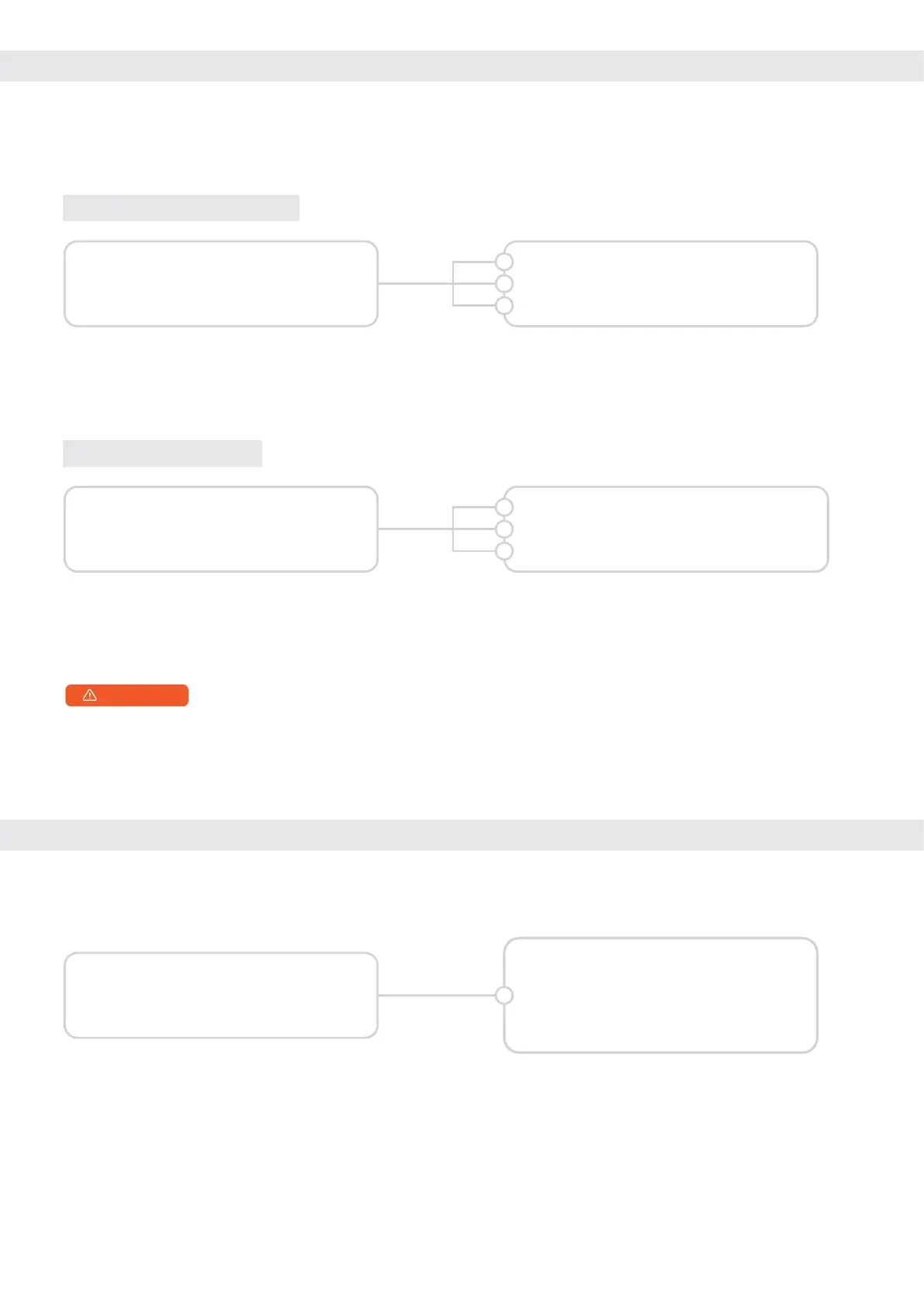
Delete a single password press [1] [4]
Delete a single fingerprint, press [2] [3]
Delete a single key card and press [3] [2]
1
2
3
1. Password Managemet
2. Fingerprint Management
3. Key Card Management
4. System Settings
1. Network Settings
2. Set or Query The System Time
3. Volume Setting
4. Combined Door Opening
5. Check The Software Version
4
4.2 : DELETE ALL USER
a. The voice prompt "Delete All", the user will delete all corresponding passwords, fingerprints, and
key cards.
b. Voice prompt "Operation successful".
1. Password Managemet
2. Fingerprint Management
3. Key Card Management
4. System Settings
Delete all passwords press [1] [5]
Delete all fingerprints, press [2] [4]
Delete a department-wide card, press [3] [3]
1
2
3
Press the [*] [#] key, please use the administrator password for verification. After entering the main
menu, the user can press the corresponding number key to select the operation according to the
menu number.


 To Next Page