CAUTION
The pictures in the User Manual is for reference only which shall be subject to the product in kind.
7 : RESTORE FACTORY
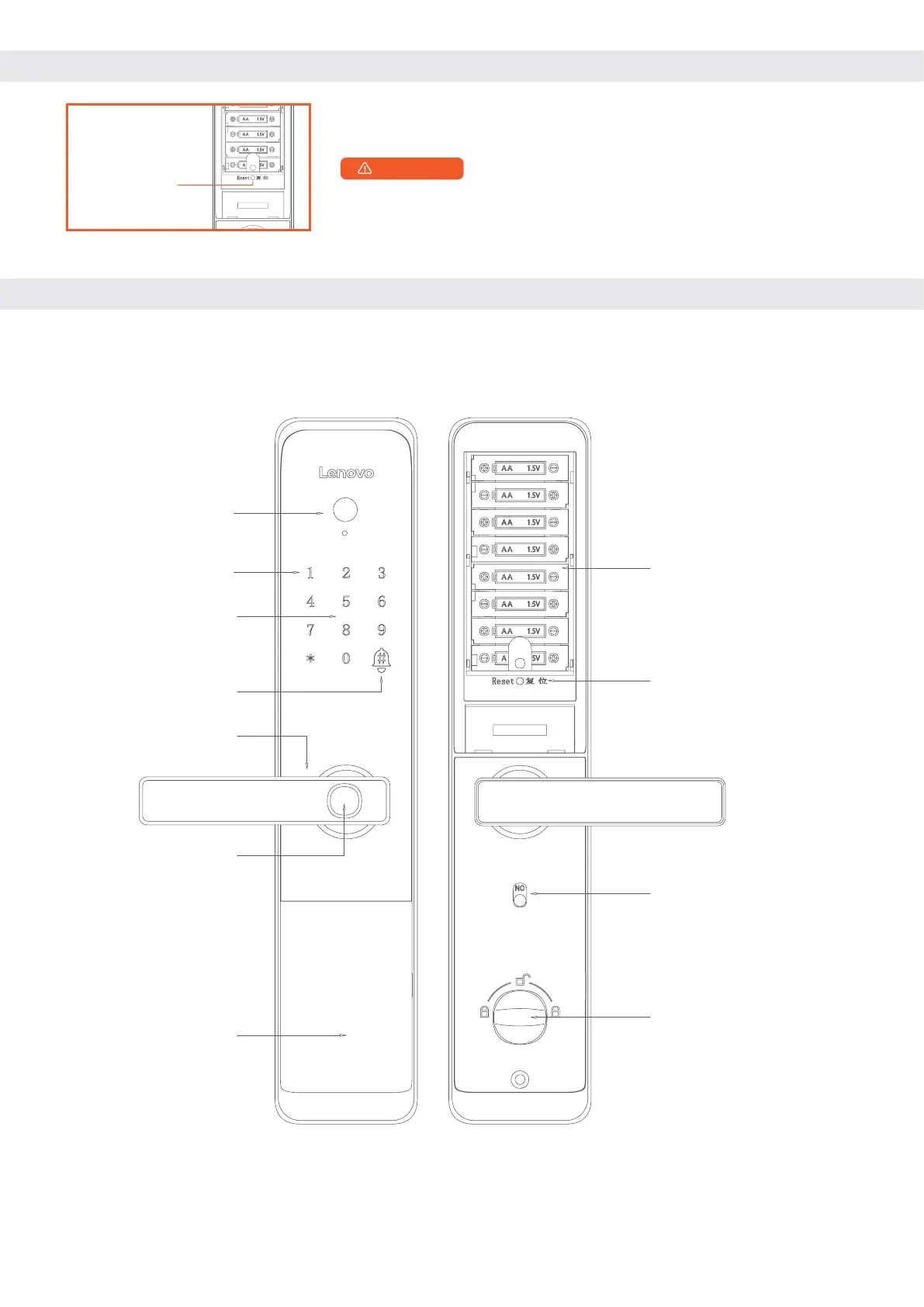
After the factory Settings are restored, all user data will be
cleared. Exercise caution when performing this operation.
When prompted to restore factory settings, confirm that please
press the [#] key, and press the [*] key to cancel.
Press This Key to
Restore Factory
Defaults
8 : PRODUCT INTRODUCTION
Keyhole &
External power
supply holes &
Restart button
(located behind
the cover)
PINpad area
Cat's eye camera
Key card
sensing area
Doorbell
Battery
compartment
Reset button
Hands-on
Fingerprint
sensing area
Anti-cat's eye
switch
Anti-lock knob


 To Next Page