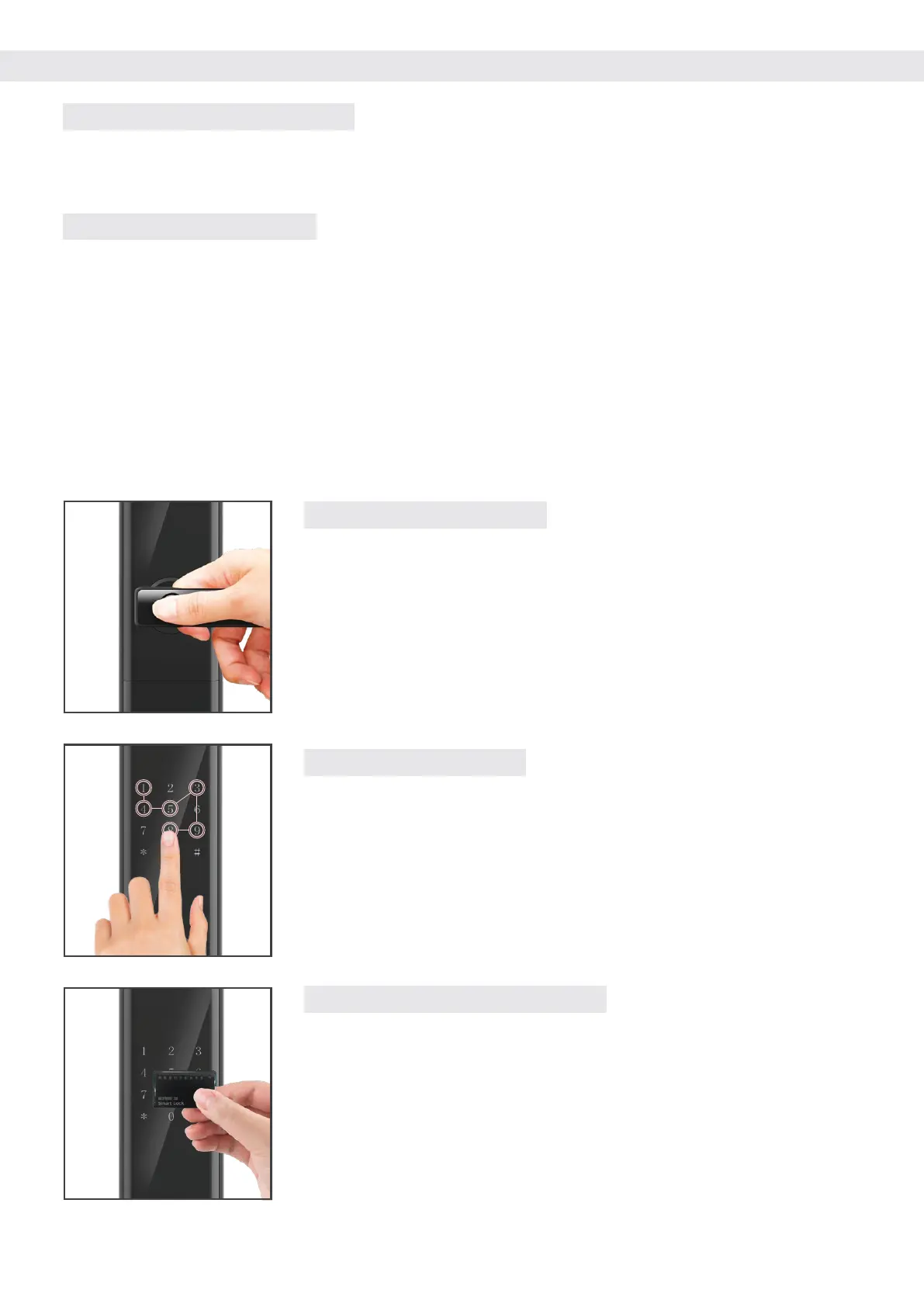
9.2 : FINGERPRINT UNLOCK
a. Touch your finger on the keypad to wake up the door lock.
b. Press your finger (added) on the fingerprint collector in the
correct way.
c. Voice prompt "Unlocked" turn down the handle to open the door.
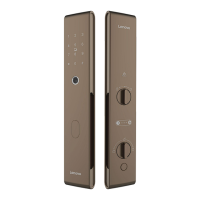
9.3 : PASSCODE UNLOCK
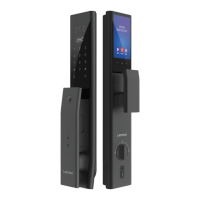
9.4 : ENCRYPTED INDUCTION CARD
Close or paste the added proximity card close to or on the keyboard
area, and the voice prompt "Unlocked" is displayed after the sensor
card is successfully verified.
a. Touch your finger on the keypad to wake up the door lock.
b. Enter the entered password, press [#] to confirm, and the voice
prompt "has been unlocked".
c. Turn the handle down to unlock the lock.
Note: Enter the password to pay attention to the surrounding environment, pay
attention to the blocking, and prevent being peeped by the people next to you
9.1 : NORMALLY OPENING MODE
9 : OPENING METHODS
a. Press [*][#] to enter the menu and press [4] to enter the system settings.
b. Press [4] to set the unlocking method, press [4] for Single Certification.
9.1 : COMBINE OPEN MODE
In combine-open mode, two-factor authentication is required to unlock successfully, for example:
password + fingerprint, Card + Fingerprint, Fingerprint + Fingerprint
a. Press [*][#] to enter the menu and press [4] to enter the system settings.
b. Press [4] to set the unlocking method, press [1] or [2] or [3]


 To Next Page