Internet
You can browse the web if your device is connected to a wireless network or a cellular
network.
To open the browser app, go to Chrome.
Visiting websites
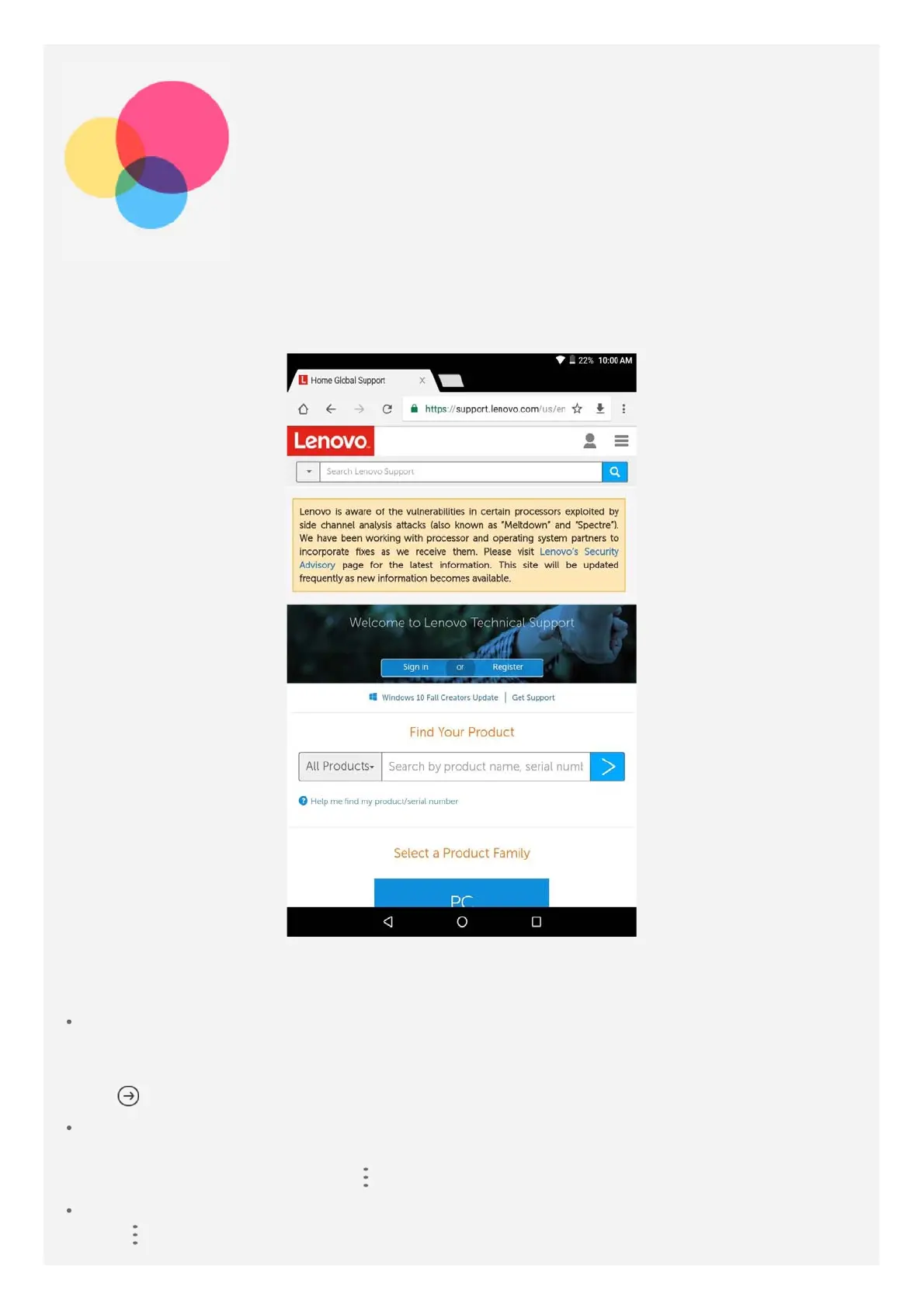
You can use the Chrome app to visit websites.
Type a web address
You don't need to type the full web address of an "http://" website to access it.
To visit "http://www.lenovo.com", simply type "www.lenovo.com" into the address bar and
tap
.
Search for keywords
You can also type keywords into the address bar to search for webpages.
You can set a search engine in > Settings > Search engine.
Add a new webpage
Tap
> New tab to add a new webpage tab.














 To Next Page