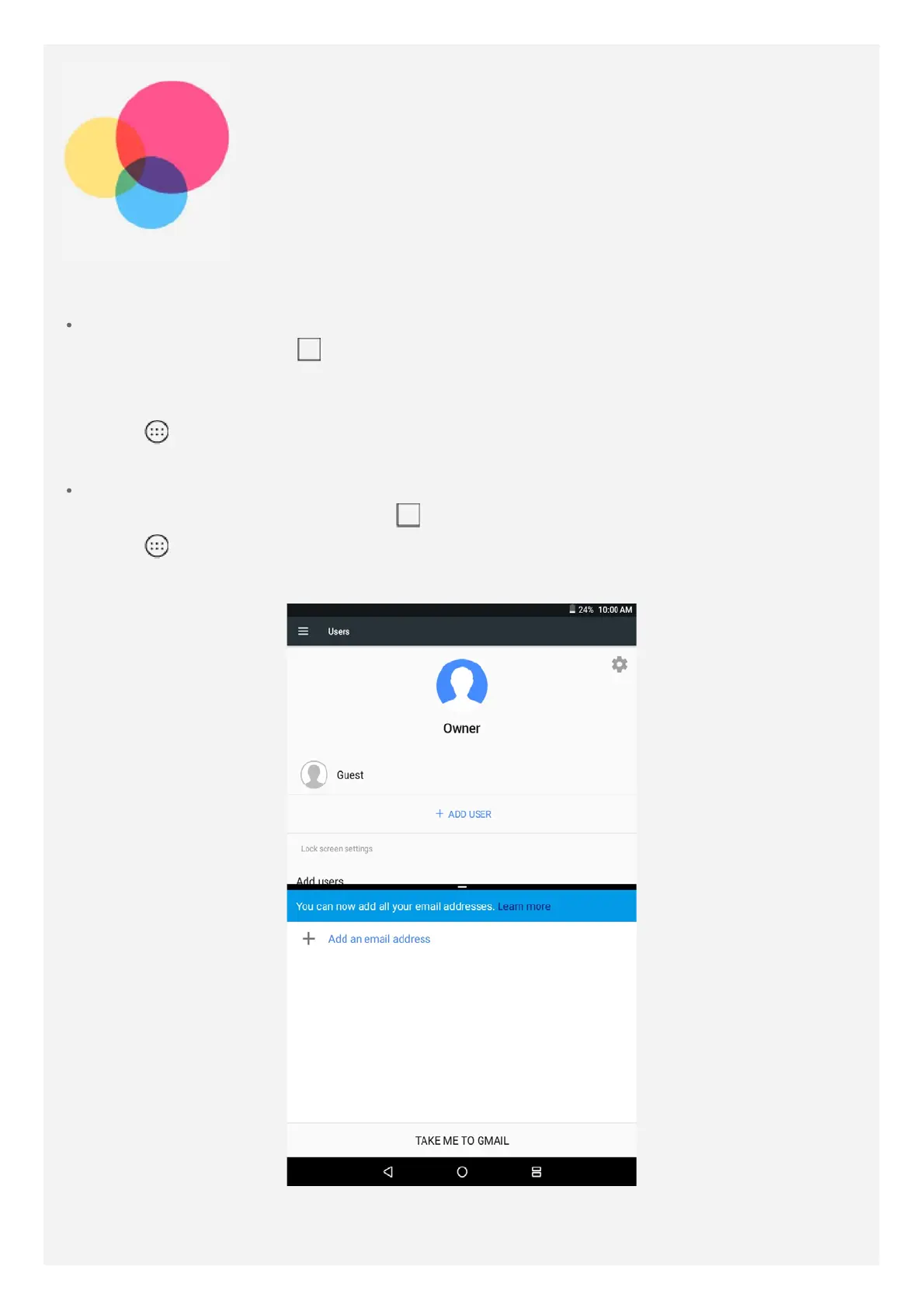
Split screen mode
Using split screen mode
Method 1
1. Open an app then tap
.
2. Press and hold the first app, drag it to the edge until "Drag here to use split screen"
appears, then release. The app will be locked into on the screen.
3. Tap
, choose the second app you want to open. The two apps will then be displayed
in split screen mode.
Method 2
1. Open an app then press and hold
. This app will be locked into on the screen.
2. Tap
, choose the second app you want to open. The two apps will be displayed in
split screen mode.
Note: Not all applications support split screen mode.
Split screen settings














 To Next Page